Three.js 3D Graphics: Complete Guide to WebGL Development (2026)
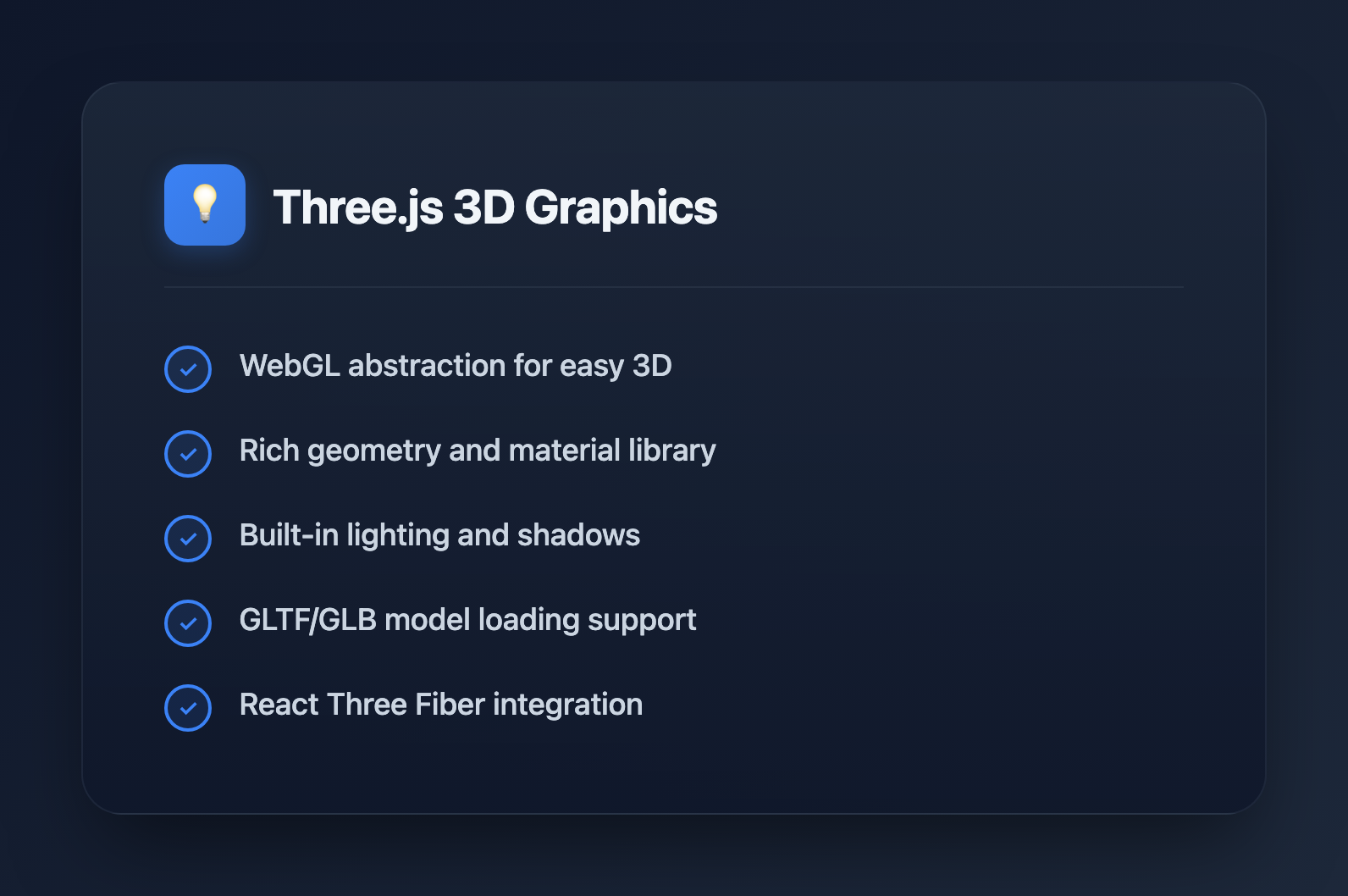
Three.js is the most popular JavaScript library for creating 3D graphics in the browser. Whether you're building product configurators, data visualizations, or immersive experiences, Three.js provides the tools to bring your ideas to life. This guide covers everything from basic setup to advanced techniques.
What is Three.js?
Three.js is a JavaScript library that abstracts WebGL complexity, making 3D graphics accessible to web developers. Key features:
- WebGL abstraction: Write high-level code instead of raw shaders
- Rich ecosystem: Loaders, controls, post-processing effects
- Cross-platform: Works on desktop, mobile, and VR devices
- Active community: Extensive examples and documentation
- Performance: GPU-accelerated rendering
Getting Started
Installation
# npm
npm install three

# yarn
yarn add three

# Or use CDN
# https://unpkg.com/three@latest/build/three.module.js
Basic Scene Setup
import * as THREE from 'three';

// Create scene
const scene = new THREE.Scene();
scene.background = new THREE.Color(0x1a1a2e);

// Create camera
const camera = new THREE.PerspectiveCamera(
  75,                                    // Field of view
  window.innerWidth / window.innerHeight, // Aspect ratio
  0.1,                                   // Near clipping plane
  1000                                   // Far clipping plane
);
camera.position.z = 5;

// Create renderer
const renderer = new THREE.WebGLRenderer({ antialias: true });
renderer.setSize(window.innerWidth, window.innerHeight);
renderer.setPixelRatio(Math.min(window.devicePixelRatio, 2));
document.body.appendChild(renderer.domElement);

// Animation loop
function animate() {
  requestAnimationFrame(animate);
  renderer.render(scene, camera);
}

animate();
Handle Window Resize
window.addEventListener('resize', () => {
  // Update camera
  camera.aspect = window.innerWidth / window.innerHeight;
  camera.updateProjectionMatrix();

  // Update renderer
  renderer.setSize(window.innerWidth, window.innerHeight);
  renderer.setPixelRatio(Math.min(window.devicePixelRatio, 2));
});
Core Concepts
Geometries
// Built-in geometries
const boxGeometry = new THREE.BoxGeometry(1, 1, 1);
const sphereGeometry = new THREE.SphereGeometry(0.5, 32, 32);
const planeGeometry = new THREE.PlaneGeometry(10, 10);
const cylinderGeometry = new THREE.CylinderGeometry(0.5, 0.5, 1, 32);
const torusGeometry = new THREE.TorusGeometry(0.5, 0.2, 16, 100);

// Custom geometry from vertices
const customGeometry = new THREE.BufferGeometry();
const vertices = new Float32Array([
  -1, -1, 0,
   1, -1, 0,
   0,  1, 0,
]);
customGeometry.setAttribute('position', new THREE.BufferAttribute(vertices, 3));
Materials
// Basic material (no lighting)
const basicMaterial = new THREE.MeshBasicMaterial({
  color: 0xff0000,
  wireframe: false,
});

// Standard material (PBR - responds to light)
const standardMaterial = new THREE.MeshStandardMaterial({
  color: 0x00ff00,
  metalness: 0.5,
  roughness: 0.5,
});

// Physical material (advanced PBR)
const physicalMaterial = new THREE.MeshPhysicalMaterial({
  color: 0x0000ff,
  metalness: 0.0,
  roughness: 0.1,
  transmission: 0.9,  // Glass-like transparency
  thickness: 0.5,
});

// Shader material (custom shaders)
const shaderMaterial = new THREE.ShaderMaterial({
  vertexShader: `
    varying vec2 vUv;
    void main() {
      vUv = uv;
      gl_Position = projectionMatrix * modelViewMatrix * vec4(position, 1.0);
    }
  `,
  fragmentShader: `
    varying vec2 vUv;
    void main() {
      gl_FragColor = vec4(vUv, 1.0, 1.0);
    }
  `,
});
Meshes
// Create mesh (geometry + material)
const cube = new THREE.Mesh(boxGeometry, standardMaterial);

// Position, rotation, scale
cube.position.set(0, 0, 0);
cube.rotation.set(0, Math.PI / 4, 0);
cube.scale.set(1, 1, 1);

// Add to scene
scene.add(cube);

// Animation
function animate() {
  requestAnimationFrame(animate);

  cube.rotation.x += 0.01;
  cube.rotation.y += 0.01;

  renderer.render(scene, camera);
}
Lighting
// Ambient light (uniform illumination)
const ambientLight = new THREE.AmbientLight(0xffffff, 0.5);
scene.add(ambientLight);

// Directional light (sun-like)
const directionalLight = new THREE.DirectionalLight(0xffffff, 1);
directionalLight.position.set(5, 5, 5);
directionalLight.castShadow = true;
scene.add(directionalLight);

// Point light (bulb-like)
const pointLight = new THREE.PointLight(0xff0000, 1, 100);
pointLight.position.set(0, 2, 0);
scene.add(pointLight);

// Spot light (flashlight-like)
const spotLight = new THREE.SpotLight(0x00ff00, 1);
spotLight.position.set(0, 5, 0);
spotLight.angle = Math.PI / 6;
spotLight.penumbra = 0.5;
scene.add(spotLight);

// Hemisphere light (sky/ground)
const hemisphereLight = new THREE.HemisphereLight(0x87ceeb, 0x362312, 0.5);
scene.add(hemisphereLight);
Shadows
// Enable shadows on renderer
renderer.shadowMap.enabled = true;
renderer.shadowMap.type = THREE.PCFSoftShadowMap;

// Light casts shadows
directionalLight.castShadow = true;
directionalLight.shadow.mapSize.width = 2048;
directionalLight.shadow.mapSize.height = 2048;
directionalLight.shadow.camera.near = 0.5;
directionalLight.shadow.camera.far = 50;

// Mesh casts and receives shadows
cube.castShadow = true;
cube.receiveShadow = true;

// Floor receives shadows
const floor = new THREE.Mesh(
  new THREE.PlaneGeometry(20, 20),
  new THREE.MeshStandardMaterial({ color: 0x808080 })
);
floor.rotation.x = -Math.PI / 2;
floor.receiveShadow = true;
scene.add(floor);
Camera Controls
import { OrbitControls } from 'three/addons/controls/OrbitControls.js';

const controls = new OrbitControls(camera, renderer.domElement);
controls.enableDamping = true;
controls.dampingFactor = 0.05;
controls.minDistance = 2;
controls.maxDistance = 20;
controls.maxPolarAngle = Math.PI / 2; // Prevent going below floor

// Update in animation loop
function animate() {
  requestAnimationFrame(animate);
  controls.update();
  renderer.render(scene, camera);
}
Loading 3D Models
GLTF/GLB Loader
import { GLTFLoader } from 'three/addons/loaders/GLTFLoader.js';
import { DRACOLoader } from 'three/addons/loaders/DRACOLoader.js';

// Setup Draco decoder for compressed models
const dracoLoader = new DRACOLoader();
dracoLoader.setDecoderPath('/draco/');

const gltfLoader = new GLTFLoader();
gltfLoader.setDRACOLoader(dracoLoader);

// Load model
gltfLoader.load(
  '/models/robot.glb',
  (gltf) => {
    const model = gltf.scene;
    model.scale.set(0.5, 0.5, 0.5);
    model.position.set(0, 0, 0);

    // Enable shadows for all meshes
    model.traverse((child) => {
      if (child.isMesh) {
        child.castShadow = true;
        child.receiveShadow = true;
      }
    });

    scene.add(model);

    // Access animations
    if (gltf.animations.length > 0) {
      const mixer = new THREE.AnimationMixer(model);
      const action = mixer.clipAction(gltf.animations[0]);
      action.play();
    }
  },
  (progress) => {
    console.log(`Loading: ${(progress.loaded / progress.total * 100).toFixed(0)}%`);
  },
  (error) => {
    console.error('Error loading model:', error);
  }
);
Texture Loading
const textureLoader = new THREE.TextureLoader();

// Load single texture
const colorTexture = textureLoader.load('/textures/color.jpg');

// Load multiple textures for PBR material
const material = new THREE.MeshStandardMaterial({
  map: textureLoader.load('/textures/color.jpg'),
  normalMap: textureLoader.load('/textures/normal.jpg'),
  roughnessMap: textureLoader.load('/textures/roughness.jpg'),
  metalnessMap: textureLoader.load('/textures/metalness.jpg'),
  aoMap: textureLoader.load('/textures/ao.jpg'),
});

// Configure texture
colorTexture.wrapS = THREE.RepeatWrapping;
colorTexture.wrapT = THREE.RepeatWrapping;
colorTexture.repeat.set(2, 2);
colorTexture.colorSpace = THREE.SRGBColorSpace;
Animation
Basic Animation
const clock = new THREE.Clock();

function animate() {
  requestAnimationFrame(animate);

  const elapsedTime = clock.getElapsedTime();

  // Smooth oscillation
  cube.position.y = Math.sin(elapsedTime) * 0.5;
  cube.rotation.y = elapsedTime * 0.5;

  renderer.render(scene, camera);
}

animate();
Animation Mixer (for GLTF animations)
let mixer: THREE.AnimationMixer;

gltfLoader.load('/models/character.glb', (gltf) => {
  const model = gltf.scene;
  scene.add(model);

  mixer = new THREE.AnimationMixer(model);

  // Play all animations
  gltf.animations.forEach((clip) => {
    mixer.clipAction(clip).play();
  });
});

// Update mixer in animation loop
function animate() {
  requestAnimationFrame(animate);

  const delta = clock.getDelta();
  if (mixer) mixer.update(delta);

  renderer.render(scene, camera);
}
Raycasting (Mouse Interaction)
const raycaster = new THREE.Raycaster();
const mouse = new THREE.Vector2();

window.addEventListener('click', (event) => {
  // Convert mouse coordinates to normalized device coordinates
  mouse.x = (event.clientX / window.innerWidth) * 2 - 1;
  mouse.y = -(event.clientY / window.innerHeight) * 2 + 1;

  // Cast ray from camera through mouse position
  raycaster.setFromCamera(mouse, camera);

  // Check for intersections
  const intersects = raycaster.intersectObjects(scene.children, true);

  if (intersects.length > 0) {
    const clickedObject = intersects[0].object;
    console.log('Clicked:', clickedObject.name);

    // Change color on click
    if (clickedObject.material) {
      clickedObject.material.color.set(Math.random() * 0xffffff);
    }
  }
});

// Hover effect
window.addEventListener('mousemove', (event) => {
  mouse.x = (event.clientX / window.innerWidth) * 2 - 1;
  mouse.y = -(event.clientY / window.innerHeight) * 2 + 1;

  raycaster.setFromCamera(mouse, camera);
  const intersects = raycaster.intersectObjects(scene.children, true);

  document.body.style.cursor = intersects.length > 0 ? 'pointer' : 'default';
});
Post-Processing
import { EffectComposer } from 'three/addons/postprocessing/EffectComposer.js';
import { RenderPass } from 'three/addons/postprocessing/RenderPass.js';
import { UnrealBloomPass } from 'three/addons/postprocessing/UnrealBloomPass.js';
import { SMAAPass } from 'three/addons/postprocessing/SMAAPass.js';

// Create composer
const composer = new EffectComposer(renderer);

// Add render pass
const renderPass = new RenderPass(scene, camera);
composer.addPass(renderPass);

// Add bloom effect
const bloomPass = new UnrealBloomPass(
  new THREE.Vector2(window.innerWidth, window.innerHeight),
  0.5,  // Strength
  0.4,  // Radius
  0.85  // Threshold
);
composer.addPass(bloomPass);

// Add anti-aliasing
const smaaPass = new SMAAPass(window.innerWidth, window.innerHeight);
composer.addPass(smaaPass);

// Use composer instead of renderer
function animate() {
  requestAnimationFrame(animate);
  composer.render();
}
Performance Optimization
Geometry Instancing
// Instead of creating 1000 separate meshes
const geometry = new THREE.BoxGeometry(0.1, 0.1, 0.1);
const material = new THREE.MeshStandardMaterial({ color: 0x00ff00 });

// Use instanced mesh
const count = 1000;
const instancedMesh = new THREE.InstancedMesh(geometry, material, count);

const matrix = new THREE.Matrix4();
const position = new THREE.Vector3();
const rotation = new THREE.Euler();
const quaternion = new THREE.Quaternion();
const scale = new THREE.Vector3(1, 1, 1);

for (let i = 0; i < count; i++) {
  position.set(
    (Math.random() - 0.5) * 10,
    (Math.random() - 0.5) * 10,
    (Math.random() - 0.5) * 10
  );

  rotation.set(Math.random() * Math.PI, Math.random() * Math.PI, 0);
  quaternion.setFromEuler(rotation);

  matrix.compose(position, quaternion, scale);
  instancedMesh.setMatrixAt(i, matrix);
}

scene.add(instancedMesh);
Level of Detail (LOD)
const lod = new THREE.LOD();

// High detail (close)
const highDetail = new THREE.Mesh(
  new THREE.SphereGeometry(1, 64, 64),
  material
);
lod.addLevel(highDetail, 0);

// Medium detail
const mediumDetail = new THREE.Mesh(
  new THREE.SphereGeometry(1, 32, 32),
  material
);
lod.addLevel(mediumDetail, 10);

// Low detail (far)
const lowDetail = new THREE.Mesh(
  new THREE.SphereGeometry(1, 8, 8),
  material
);
lod.addLevel(lowDetail, 30);

scene.add(lod);
Dispose Resources
// Clean up when removing objects
function disposeObject(object) {
  if (object.geometry) {
    object.geometry.dispose();
  }

  if (object.material) {
    if (Array.isArray(object.material)) {
      object.material.forEach(material => material.dispose());
    } else {
      object.material.dispose();
    }
  }

  if (object.texture) {
    object.texture.dispose();
  }
}

// Remove from scene and dispose
scene.remove(mesh);
disposeObject(mesh);
React Integration (React Three Fiber)
import { Canvas, useFrame } from '@react-three/fiber';
import { OrbitControls, Environment } from '@react-three/drei';
import { useRef } from 'react';

function RotatingCube() {
  const meshRef = useRef<THREE.Mesh>(null);

  useFrame((state, delta) => {
    if (meshRef.current) {
      meshRef.current.rotation.x += delta;
      meshRef.current.rotation.y += delta * 0.5;
    }
  });

  return (
    <mesh ref={meshRef}>
      <boxGeometry args={[1, 1, 1]} />
      <meshStandardMaterial color="hotpink" />
    </mesh>
  );
}

function App() {
  return (
    <Canvas camera={{ position: [0, 0, 5] }}>
      <ambientLight intensity={0.5} />
      <directionalLight position={[5, 5, 5]} />
      <RotatingCube />
      <OrbitControls />
      <Environment preset="sunset" />
    </Canvas>
  );
}
Common Patterns
Scene Manager Class
class SceneManager {
  private scene: THREE.Scene;
  private camera: THREE.PerspectiveCamera;
  private renderer: THREE.WebGLRenderer;
  private controls: OrbitControls;
  private clock: THREE.Clock;

  constructor(container: HTMLElement) {
    this.scene = new THREE.Scene();
    this.clock = new THREE.Clock();

    this.camera = new THREE.PerspectiveCamera(
      75,
      container.clientWidth / container.clientHeight,
      0.1,
      1000
    );
    this.camera.position.z = 5;

    this.renderer = new THREE.WebGLRenderer({ antialias: true });
    this.renderer.setSize(container.clientWidth, container.clientHeight);
    container.appendChild(this.renderer.domElement);

    this.controls = new OrbitControls(this.camera, this.renderer.domElement);
    this.controls.enableDamping = true;

    this.setupLights();
    this.animate();
  }

  private setupLights() {
    const ambient = new THREE.AmbientLight(0xffffff, 0.5);
    const directional = new THREE.DirectionalLight(0xffffff, 1);
    directional.position.set(5, 5, 5);
    this.scene.add(ambient, directional);
  }

  private animate = () => {
    requestAnimationFrame(this.animate);
    this.controls.update();
    this.renderer.render(this.scene, this.camera);
  };

  addObject(object: THREE.Object3D) {
    this.scene.add(object);
  }

  dispose() {
    this.renderer.dispose();
  }
}
Best Practices
- Reuse geometries and materials: Don't create duplicates
- Use BufferGeometry: More efficient than legacy Geometry
- Limit draw calls: Merge geometries when possible
- Optimize textures: Use power-of-two dimensions, compress when possible
- Use instancing: For many identical objects
- Dispose properly: Clean up resources when removing objects
- Profile performance: Use Chrome DevTools and Three.js stats
Useful Resources
- Three.js Docs: threejs.org/docs
- Three.js Examples: threejs.org/examples
- React Three Fiber: docs.pmnd.rs/react-three-fiber
- Drei (R3F helpers): github.com/pmndrs/drei
- Sketchfab: Free 3D models
Conclusion
Three.js opens up the world of 3D graphics to web developers. Start with simple scenes and gradually add complexity. The library's extensive documentation and examples make it approachable, while its flexibility allows for sophisticated applications. Whether building games, visualizations, or immersive experiences, Three.js provides the foundation for creative 3D web development.