Three.js Graficos 3D: Guia Completa de Desarrollo WebGL (2026)
Three.js es la biblioteca de JavaScript más popular para crear gráficos 3D en el navegador. Ya sea que estés construyendo configuradores de productos, visualizaciones de datos o experiencias inmersivas, Three.js proporciona las herramientas para dar vida a tus ideas. Esta guía cubre todo, desde la configuración básica hasta técnicas avanzadas.
¿Qué es Three.js?
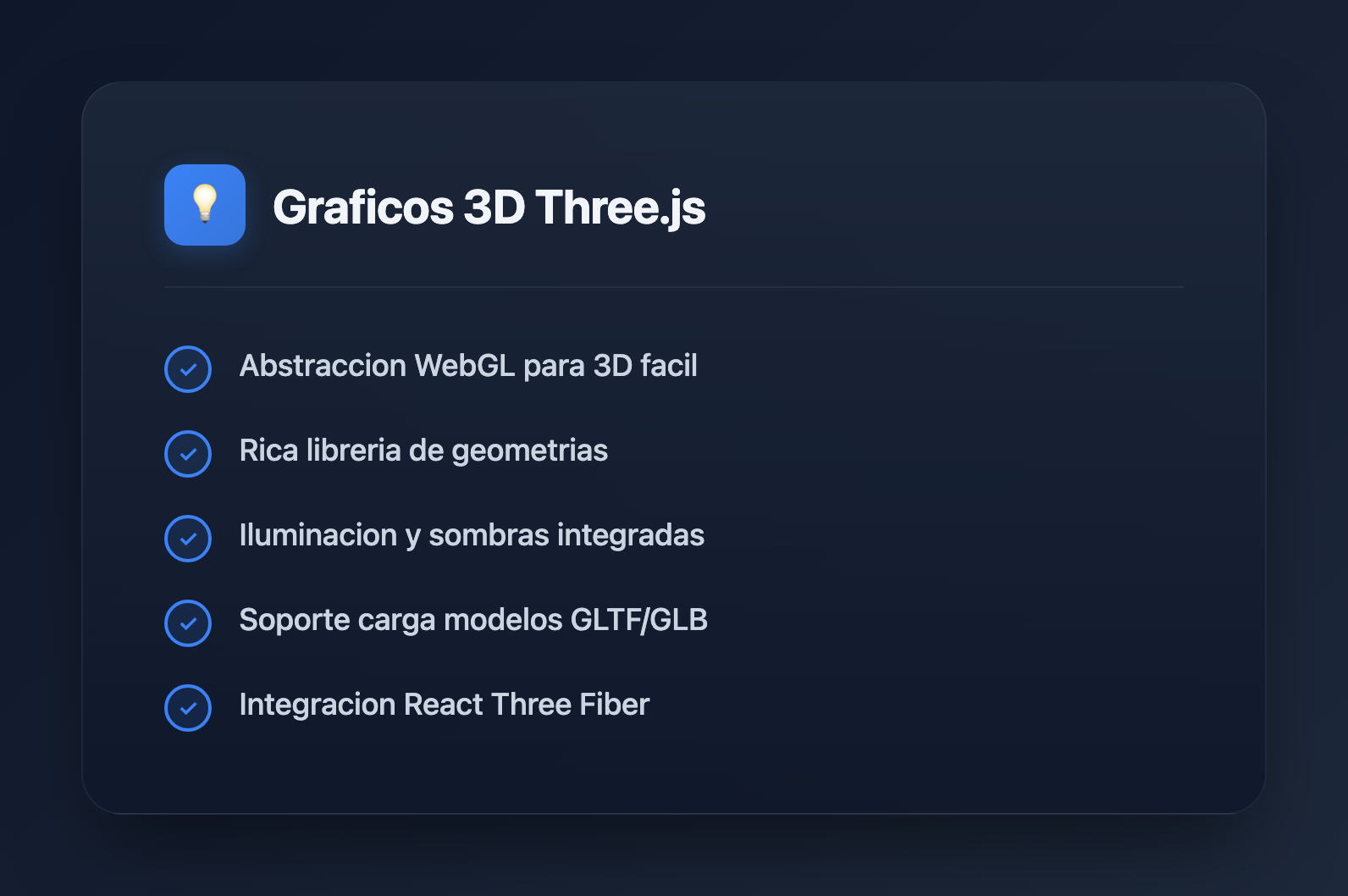
Three.js es una biblioteca de JavaScript que abstrae la complejidad de WebGL, haciendo que los gráficos 3D sean accesibles para los desarrolladores web. Características principales:
- Abstracción de WebGL: Escribe código de alto nivel en lugar de shaders crudos
- Ecosistema rico: Cargadores, controles, efectos de post-procesamiento
- Multiplataforma: Funciona en escritorio, móvil y dispositivos VR
- Comunidad activa: Ejemplos extensos y documentación
- Rendimiento: Renderizado acelerado por GPU
Primeros Pasos
Instalación
# npm
npm install three

# yarn
yarn add three

# Or use CDN
# https://unpkg.com/three@latest/build/three.module.js
Configuración Básica de la Escena
import * as THREE from 'three';

// Create scene
const scene = new THREE.Scene();
scene.background = new THREE.Color(0x1a1a2e);

// Create camera
const camera = new THREE.PerspectiveCamera(
  75,                                    // Field of view
  window.innerWidth / window.innerHeight, // Aspect ratio
  0.1,                                   // Near clipping plane
  1000                                   // Far clipping plane
);
camera.position.z = 5;

// Create renderer
const renderer = new THREE.WebGLRenderer({ antialias: true });
renderer.setSize(window.innerWidth, window.innerHeight);
renderer.setPixelRatio(Math.min(window.devicePixelRatio, 2));
document.body.appendChild(renderer.domElement);

// Animation loop
function animate() {
  requestAnimationFrame(animate);
  renderer.render(scene, camera);
}

animate();
Manejar el Redimensionamiento de la Ventana
window.addEventListener('resize', () => {
  // Update camera
  camera.aspect = window.innerWidth / window.innerHeight;
  camera.updateProjectionMatrix();

  // Update renderer
  renderer.setSize(window.innerWidth, window.innerHeight);
  renderer.setPixelRatio(Math.min(window.devicePixelRatio, 2));
});
Conceptos Fundamentales
Geometrías
// Built-in geometries
const boxGeometry = new THREE.BoxGeometry(1, 1, 1);
const sphereGeometry = new THREE.SphereGeometry(0.5, 32, 32);
const planeGeometry = new THREE.PlaneGeometry(10, 10);
const cylinderGeometry = new THREE.CylinderGeometry(0.5, 0.5, 1, 32);
const torusGeometry = new THREE.TorusGeometry(0.5, 0.2, 16, 100);

// Custom geometry from vertices
const customGeometry = new THREE.BufferGeometry();
const vertices = new Float32Array([
  -1, -1, 0,
   1, -1, 0,
   0,  1, 0,
]);
customGeometry.setAttribute('position', new THREE.BufferAttribute(vertices, 3));
Materiales
// Basic material (no lighting)
const basicMaterial = new THREE.MeshBasicMaterial({
  color: 0xff0000,
  wireframe: false,
});

// Standard material (PBR - responds to light)
const standardMaterial = new THREE.MeshStandardMaterial({
  color: 0x00ff00,
  metalness: 0.5,
  roughness: 0.5,
});

// Physical material (advanced PBR)
const physicalMaterial = new THREE.MeshPhysicalMaterial({
  color: 0x0000ff,
  metalness: 0.0,
  roughness: 0.1,
  transmission: 0.9,  // Glass-like transparency
  thickness: 0.5,
});

// Shader material (custom shaders)
const shaderMaterial = new THREE.ShaderMaterial({
  vertexShader: `
    varying vec2 vUv;
    void main() {
      vUv = uv;
      gl_Position = projectionMatrix * modelViewMatrix * vec4(position, 1.0);
    }
  `,
  fragmentShader: `
    varying vec2 vUv;
    void main() {
      gl_FragColor = vec4(vUv, 1.0, 1.0);
    }
  `,
});
Mallas
// Create mesh (geometry + material)
const cube = new THREE.Mesh(boxGeometry, standardMaterial);

// Position, rotation, scale
cube.position.set(0, 0, 0);
cube.rotation.set(0, Math.PI / 4, 0);
cube.scale.set(1, 1, 1);

// Add to scene
scene.add(cube);

// Animation
function animate() {
  requestAnimationFrame(animate);

  cube.rotation.x += 0.01;
  cube.rotation.y += 0.01;

  renderer.render(scene, camera);
}
Iluminación
// Ambient light (uniform illumination)
const ambientLight = new THREE.AmbientLight(0xffffff, 0.5);
scene.add(ambientLight);

// Directional light (sun-like)
const directionalLight = new THREE.DirectionalLight(0xffffff, 1);
directionalLight.position.set(5, 5, 5);
directionalLight.castShadow = true;
scene.add(directionalLight);

// Point light (bulb-like)
const pointLight = new THREE.PointLight(0xff0000, 1, 100);
pointLight.position.set(0, 2, 0);
scene.add(pointLight);

// Spot light (flashlight-like)
const spotLight = new THREE.SpotLight(0x00ff00, 1);
spotLight.position.set(0, 5, 0);
spotLight.angle = Math.PI / 6;
spotLight.penumbra = 0.5;
scene.add(spotLight);

// Hemisphere light (sky/ground)
const hemisphereLight = new THREE.HemisphereLight(0x87ceeb, 0x362312, 0.5);
scene.add(hemisphereLight);
Sombras
// Enable shadows on renderer
renderer.shadowMap.enabled = true;
renderer.shadowMap.type = THREE.PCFSoftShadowMap;

// Light casts shadows
directionalLight.castShadow = true;
directionalLight.shadow.mapSize.width = 2048;
directionalLight.shadow.mapSize.height = 2048;
directionalLight.shadow.camera.near = 0.5;
directionalLight.shadow.camera.far = 50;

// Mesh casts and receives shadows
cube.castShadow = true;
cube.receiveShadow = true;

// Floor receives shadows
const floor = new THREE.Mesh(
  new THREE.PlaneGeometry(20, 20),
  new THREE.MeshStandardMaterial({ color: 0x808080 })
);
floor.rotation.x = -Math.PI / 2;
floor.receiveShadow = true;
scene.add(floor);
Controles de Cámara
import { OrbitControls } from 'three/addons/controls/OrbitControls.js';

const controls = new OrbitControls(camera, renderer.domElement);
controls.enableDamping = true;
controls.dampingFactor = 0.05;
controls.minDistance = 2;
controls.maxDistance = 20;
controls.maxPolarAngle = Math.PI / 2; // Prevent going below floor

// Update in animation loop
function animate() {
  requestAnimationFrame(animate);
  controls.update();
  renderer.render(scene, camera);
}
Cargando Modelos 3D
Cargador GLTF/GLB
import { GLTFLoader } from 'three/addons/loaders/GLTFLoader.js';
import { DRACOLoader } from 'three/addons/loaders/DRACOLoader.js';

// Setup Draco decoder for compressed models
const dracoLoader = new DRACOLoader();
dracoLoader.setDecoderPath('/draco/');

const gltfLoader = new GLTFLoader();
gltfLoader.setDRACOLoader(dracoLoader);

// Load model
gltfLoader.load(
  '/models/robot.glb',
  (gltf) => {
    const model = gltf.scene;
    model.scale.set(0.5, 0.5, 0.5);
    model.position.set(0, 0, 0);

    // Enable shadows for all meshes
    model.traverse((child) => {
      if (child.isMesh) {
        child.castShadow = true;
        child.receiveShadow = true;
      }
    });

    scene.add(model);

    // Access animations
    if (gltf.animations.length > 0) {
      const mixer = new THREE.AnimationMixer(model);
      const action = mixer.clipAction(gltf.animations[0]);
      action.play();
    }
  },
  (progress) => {
    console.log(`Loading: ${(progress.loaded / progress.total * 100).toFixed(0)}%`);
  },
  (error) => {
    console.error('Error loading model:', error);
  }
);
Carga de Texturas
const textureLoader = new THREE.TextureLoader();

// Load single texture
const colorTexture = textureLoader.load('/textures/color.jpg');

// Load multiple textures for PBR material
const material = new THREE.MeshStandardMaterial({
  map: textureLoader.load('/textures/color.jpg'),
  normalMap: textureLoader.load('/textures/normal.jpg'),
  roughnessMap: textureLoader.load('/textures/roughness.jpg'),
  metalnessMap: textureLoader.load('/textures/metalness.jpg'),
  aoMap: textureLoader.load('/textures/ao.jpg'),
});

// Configure texture
colorTexture.wrapS = THREE.RepeatWrapping;
colorTexture.wrapT = THREE.RepeatWrapping;
colorTexture.repeat.set(2, 2);
colorTexture.colorSpace = THREE.SRGBColorSpace;
Animación
Animación Básica
const clock = new THREE.Clock();

function animate() {
  requestAnimationFrame(animate);

  const elapsedTime = clock.getElapsedTime();

  // Smooth oscillation
  cube.position.y = Math.sin(elapsedTime) * 0.5;
  cube.rotation.y = elapsedTime * 0.5;

  renderer.render(scene, camera);
}

animate();
Animation Mixer (para animaciones GLTF)
let mixer: THREE.AnimationMixer;

gltfLoader.load('/models/character.glb', (gltf) => {
  const model = gltf.scene;
  scene.add(model);

  mixer = new THREE.AnimationMixer(model);

  // Play all animations
  gltf.animations.forEach((clip) => {
    mixer.clipAction(clip).play();
  });
});

// Update mixer in animation loop
function animate() {
  requestAnimationFrame(animate);

  const delta = clock.getDelta();
  if (mixer) mixer.update(delta);

  renderer.render(scene, camera);
}
Raycasting (Interacción con el Ratón)
const raycaster = new THREE.Raycaster();
const mouse = new THREE.Vector2();

window.addEventListener('click', (event) => {
  // Convert mouse coordinates to normalized device coordinates
  mouse.x = (event.clientX / window.innerWidth) * 2 - 1;
  mouse.y = -(event.clientY / window.innerHeight) * 2 + 1;

  // Cast ray from camera through mouse position
  raycaster.setFromCamera(mouse, camera);

  // Check for intersections
  const intersects = raycaster.intersectObjects(scene.children, true);

  if (intersects.length > 0) {
    const clickedObject = intersects[0].object;
    console.log('Clicked:', clickedObject.name);

    // Change color on click
    if (clickedObject.material) {
      clickedObject.material.color.set(Math.random() * 0xffffff);
    }
  }
});

// Hover effect
window.addEventListener('mousemove', (event) => {
  mouse.x = (event.clientX / window.innerWidth) * 2 - 1;
  mouse.y = -(event.clientY / window.innerHeight) * 2 + 1;

  raycaster.setFromCamera(mouse, camera);
  const intersects = raycaster.intersectObjects(scene.children, true);

  document.body.style.cursor = intersects.length > 0 ? 'pointer' : 'default';
});
Post-Procesamiento
import { EffectComposer } from 'three/addons/postprocessing/EffectComposer.js';
import { RenderPass } from 'three/addons/postprocessing/RenderPass.js';
import { UnrealBloomPass } from 'three/addons/postprocessing/UnrealBloomPass.js';
import { SMAAPass } from 'three/addons/postprocessing/SMAAPass.js';

// Create composer
const composer = new EffectComposer(renderer);

// Add render pass
const renderPass = new RenderPass(scene, camera);
composer.addPass(renderPass);

// Add bloom effect
const bloomPass = new UnrealBloomPass(
  new THREE.Vector2(window.innerWidth, window.innerHeight),
  0.5,  // Strength
  0.4,  // Radius
  0.85  // Threshold
);
composer.addPass(bloomPass);

// Add anti-aliasing
const smaaPass = new SMAAPass(window.innerWidth, window.innerHeight);
composer.addPass(smaaPass);

// Use composer instead of renderer
function animate() {
  requestAnimationFrame(animate);
  composer.render();
}
Optimización del Rendimiento
Instanciación de Geometría
// Instead of creating 1000 separate meshes
const geometry = new THREE.BoxGeometry(0.1, 0.1, 0.1);
const material = new THREE.MeshStandardMaterial({ color: 0x00ff00 });

// Use instanced mesh
const count = 1000;
const instancedMesh = new THREE.InstancedMesh(geometry, material, count);

const matrix = new THREE.Matrix4();
const position = new THREE.Vector3();
const rotation = new THREE.Euler();
const quaternion = new THREE.Quaternion();
const scale = new THREE.Vector3(1, 1, 1);

for (let i = 0; i < count; i++) {
  position.set(
    (Math.random() - 0.5) * 10,
    (Math.random() - 0.5) * 10,
    (Math.random() - 0.5) * 10
  );

  rotation.set(Math.random() * Math.PI, Math.random() * Math.PI, 0);
  quaternion.setFromEuler(rotation);

  matrix.compose(position, quaternion, scale);
  instancedMesh.setMatrixAt(i, matrix);
}

scene.add(instancedMesh);
Nivel de Detalle (LOD)
const lod = new THREE.LOD();

// High detail (close)
const highDetail = new THREE.Mesh(
  new THREE.SphereGeometry(1, 64, 64),
  material
);
lod.addLevel(highDetail, 0);

// Medium detail
const mediumDetail = new THREE.Mesh(
  new THREE.SphereGeometry(1, 32, 32),
  material
);
lod.addLevel(mediumDetail, 10);

// Low detail (far)
const lowDetail = new THREE.Mesh(
  new THREE.SphereGeometry(1, 8, 8),
  material
);
lod.addLevel(lowDetail, 30);

scene.add(lod);
Liberar Recursos
// Clean up when removing objects
function disposeObject(object) {
  if (object.geometry) {
    object.geometry.dispose();
  }

  if (object.material) {
    if (Array.isArray(object.material)) {
      object.material.forEach(material => material.dispose());
    } else {
      object.material.dispose();
    }
  }

  if (object.texture) {
    object.texture.dispose();
  }
}

// Remove from scene and dispose
scene.remove(mesh);
disposeObject(mesh);
Integración con React (React Three Fiber)
import { Canvas, useFrame } from '@react-three/fiber';
import { OrbitControls, Environment } from '@react-three/drei';
import { useRef } from 'react';

function RotatingCube() {
  const meshRef = useRef<THREE.Mesh>(null);

  useFrame((state, delta) => {
    if (meshRef.current) {
      meshRef.current.rotation.x += delta;
      meshRef.current.rotation.y += delta * 0.5;
    }
  });

  return (
    <mesh ref={meshRef}>
      <boxGeometry args={[1, 1, 1]} />
      <meshStandardMaterial color="hotpink" />
    </mesh>
  );
}

function App() {
  return (
    <Canvas camera={{ position: [0, 0, 5] }}>
      <ambientLight intensity={0.5} />
      <directionalLight position={[5, 5, 5]} />
      <RotatingCube />
      <OrbitControls />
      <Environment preset="sunset" />
    </Canvas>
  );
}
Patrones Comunes
Clase Administradora de Escena
class SceneManager {
  private scene: THREE.Scene;
  private camera: THREE.PerspectiveCamera;
  private renderer: THREE.WebGLRenderer;
  private controls: OrbitControls;
  private clock: THREE.Clock;

  constructor(container: HTMLElement) {
    this.scene = new THREE.Scene();
    this.clock = new THREE.Clock();

    this.camera = new THREE.PerspectiveCamera(
      75,
      container.clientWidth / container.clientHeight,
      0.1,
      1000
    );
    this.camera.position.z = 5;

    this.renderer = new THREE.WebGLRenderer({ antialias: true });
    this.renderer.setSize(container.clientWidth, container.clientHeight);
    container.appendChild(this.renderer.domElement);

    this.controls = new OrbitControls(this.camera, this.renderer.domElement);
    this.controls.enableDamping = true;

    this.setupLights();
    this.animate();
  }

  private setupLights() {
    const ambient = new THREE.AmbientLight(0xffffff, 0.5);
    const directional = new THREE.DirectionalLight(0xffffff, 1);
    directional.position.set(5, 5, 5);
    this.scene.add(ambient, directional);
  }

  private animate = () => {
    requestAnimationFrame(this.animate);
    this.controls.update();
    this.renderer.render(this.scene, this.camera);
  };

  addObject(object: THREE.Object3D) {
    this.scene.add(object);
  }

  dispose() {
    this.renderer.dispose();
  }
}
Mejores Prácticas
- Reutiliza geometrías y materiales: No crees duplicados
- Usa BufferGeometry: Más eficiente que el Geometry heredado
- Limita las llamadas de dibujo: Fusiona geometrías cuando sea posible
- Optimiza las texturas: Usa dimensiones potencia de dos, comprime cuando sea posible
- Usa instanciación: Para muchos objetos idénticos
- Libera correctamente: Limpia los recursos al eliminar objetos
- Perfila el rendimiento: Usa Chrome DevTools y las estadísticas de Three.js
Recursos Útiles
- Documentación de Three.js: threejs.org/docs
- Ejemplos de Three.js: threejs.org/examples
- React Three Fiber: docs.pmnd.rs/react-three-fiber
- Drei (helpers de R3F): github.com/pmndrs/drei
- Sketchfab: Modelos 3D gratuitos
Conclusión
Three.js abre el mundo de los gráficos 3D a los desarrolladores web. Comienza con escenas simples y añade complejidad gradualmente. La extensa documentación y ejemplos de la biblioteca la hacen accesible, mientras que su flexibilidad permite aplicaciones sofisticadas. Ya sea construyendo juegos, visualizaciones o experiencias inmersivas, Three.js proporciona la base para el desarrollo web 3D creativo.