Web Scraping with Playwright: Building Reusable Scripts (2026)
Web scraping has evolved beyond simple HTTP requests. Modern websites rely heavily on JavaScript rendering, dynamic content loading, and anti-bot measures. Playwright, developed by Microsoft, handles all of this while providing a clean API for building maintainable scraping scripts. This guide covers practical patterns for creating reusable, production-ready scrapers.
Why Playwright for Web Scraping?
Playwright is a browser automation library that controls Chromium, Firefox, and WebKit. Unlike request-based scrapers, Playwright renders pages exactly like a real browser, executing JavaScript and handling dynamic content automatically.
Key advantages over alternatives:
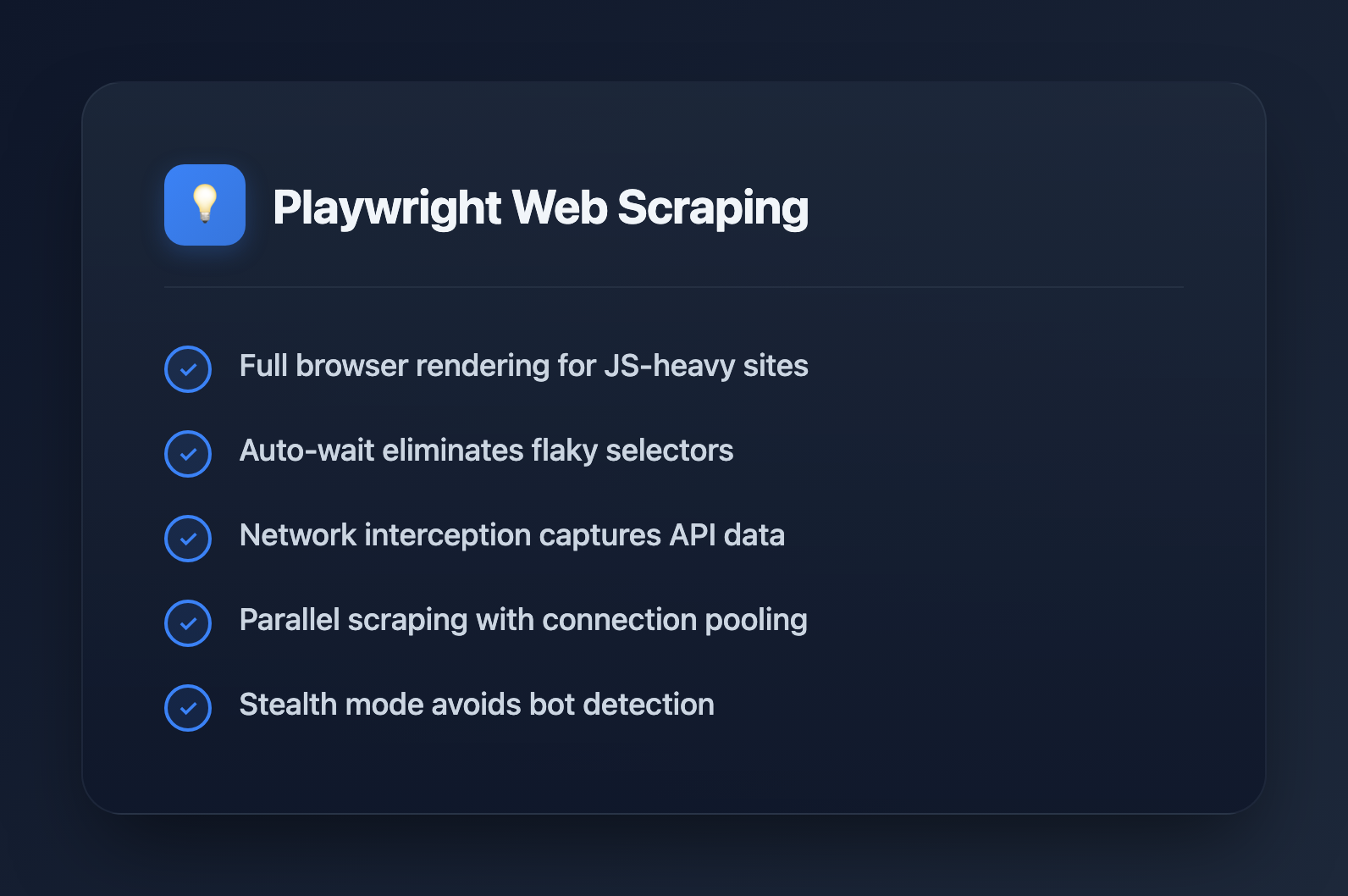
- Full browser rendering: JavaScript-heavy sites work out of the box
- Auto-wait: Automatically waits for elements before interacting
- Multiple browsers: Test across Chromium, Firefox, WebKit
- Network interception: Modify requests, block resources, capture responses
- Screenshots and PDFs: Visual debugging and documentation
- Stealth mode: Better at avoiding bot detection than Puppeteer
Setting Up Playwright
Installation
# Install Playwright
npm install playwright

# Or with TypeScript types
npm install playwright @types/node

# Download browsers (run once)
npx playwright install chromium
Basic Scraping Example
import { chromium } from 'playwright';

async function scrapeExample() {
  const browser = await chromium.launch({ headless: true });
  const page = await browser.newPage();

  await page.goto('https://example.com');

  // Extract text content
  const title = await page.textContent('h1');
  const paragraphs = await page.$$eval('p', els => els.map(el => el.textContent));

  console.log('Title:', title);
  console.log('Paragraphs:', paragraphs);

  await browser.close();
}

scrapeExample();
Building Reusable Scraping Scripts
Production scrapers need structure. Here's a pattern that separates concerns and handles common requirements.
1. Base Scraper Class
import { chromium, Browser, Page, BrowserContext } from 'playwright';

interface ScraperConfig {
  headless?: boolean;
  timeout?: number;
  userAgent?: string;
  proxy?: { server: string; username?: string; password?: string };
}

export abstract class BaseScraper {
  protected browser: Browser | null = null;
  protected context: BrowserContext | null = null;
  protected page: Page | null = null;
  protected config: ScraperConfig;

  constructor(config: ScraperConfig = {}) {
    this.config = {
      headless: true,
      timeout: 30000,
      ...config,
    };
  }

  async init(): Promise {
    this.browser = await chromium.launch({
      headless: this.config.headless,
    });

    this.context = await this.browser.newContext({
      userAgent: this.config.userAgent || this.getRandomUserAgent(),
      viewport: { width: 1920, height: 1080 },
      proxy: this.config.proxy,
    });

    // Block unnecessary resources for speed
    await this.context.route('**/*', (route) => {
      const resourceType = route.request().resourceType();
      if (['image', 'font', 'media'].includes(resourceType)) {
        route.abort();
      } else {
        route.continue();
      }
    });

    this.page = await this.context.newPage();
    this.page.setDefaultTimeout(this.config.timeout!);
  }

  async close(): Promise {
    await this.browser?.close();
    this.browser = null;
    this.context = null;
    this.page = null;
  }

  protected getRandomUserAgent(): string {
    const userAgents = [
      'Mozilla/5.0 (Windows NT 10.0; Win64; x64) AppleWebKit/537.36 (KHTML, like Gecko) Chrome/120.0.0.0 Safari/537.36',
      'Mozilla/5.0 (Macintosh; Intel Mac OS X 10_15_7) AppleWebKit/537.36 (KHTML, like Gecko) Chrome/120.0.0.0 Safari/537.36',
      'Mozilla/5.0 (Windows NT 10.0; Win64; x64; rv:121.0) Gecko/20100101 Firefox/121.0',
    ];
    return userAgents[Math.floor(Math.random() * userAgents.length)];
  }

  protected async waitAndClick(selector: string): Promise {
    await this.page!.waitForSelector(selector);
    await this.page!.click(selector);
  }

  protected async extractText(selector: string): Promise {
    try {
      return await this.page!.textContent(selector);
    } catch {
      return null;
    }
  }

  protected async extractAll(selector: string): Promise {
    return await this.page!.$$eval(selector, els =>
      els.map(el => el.textContent?.trim() || '')
    );
  }

  // Abstract method - implement in subclasses
  abstract scrape(url: string): Promise;
}
2. Specific Scraper Implementation
interface Product {
  name: string;
  price: string;
  description: string;
  imageUrl: string;
  rating: string | null;
}

export class ProductScraper extends BaseScraper {
  async scrape(url: string): Promise {
    if (!this.page) await this.init();

    await this.page!.goto(url, { waitUntil: 'networkidle' });

    // Handle infinite scroll
    await this.scrollToBottom();

    // Extract products
    const products = await this.page!.$$eval('.product-card', cards =>
      cards.map(card => ({
        name: card.querySelector('.product-name')?.textContent?.trim() || '',
        price: card.querySelector('.product-price')?.textContent?.trim() || '',
        description: card.querySelector('.product-desc')?.textContent?.trim() || '',
        imageUrl: card.querySelector('img')?.getAttribute('src') || '',
        rating: card.querySelector('.rating')?.textContent?.trim() || null,
      }))
    );

    return products;
  }

  private async scrollToBottom(): Promise {
    let previousHeight = 0;
    let currentHeight = await this.page!.evaluate(() => document.body.scrollHeight);

    while (previousHeight < currentHeight) {
      previousHeight = currentHeight;
      await this.page!.evaluate(() => window.scrollTo(0, document.body.scrollHeight));
      await this.page!.waitForTimeout(1000);
      currentHeight = await this.page!.evaluate(() => document.body.scrollHeight);
    }
  }
}
3. Using the Scraper
async function main() {
  const scraper = new ProductScraper({ headless: true });

  try {
    await scraper.init();
    const products = await scraper.scrape('https://example-shop.com/products');
    console.log(`Found ${products.length} products`);
    console.log(JSON.stringify(products, null, 2));
  } finally {
    await scraper.close();
  }
}

main();
Advanced Patterns
Handling Authentication
export class AuthenticatedScraper extends BaseScraper {
  private credentials: { username: string; password: string };

  constructor(credentials: { username: string; password: string }, config?: ScraperConfig) {
    super(config);
    this.credentials = credentials;
  }

  async login(): Promise {
    if (!this.page) await this.init();

    await this.page!.goto('https://example.com/login');
    await this.page!.fill('input[name="username"]', this.credentials.username);
    await this.page!.fill('input[name="password"]', this.credentials.password);
    await this.page!.click('button[type="submit"]');

    // Wait for navigation after login
    await this.page!.waitForURL('**/dashboard**');

    // Save session for reuse
    await this.context!.storageState({ path: './auth-state.json' });
  }

  async initWithSavedSession(): Promise {
    this.browser = await chromium.launch({ headless: this.config.headless });
    this.context = await this.browser.newContext({
      storageState: './auth-state.json',
    });
    this.page = await this.context.newPage();
  }
}
Network Interception
// Capture API responses while browsing
async function captureApiData(page: Page, apiPattern: string): Promise {
  const captured: unknown[] = [];

  await page.route(apiPattern, async (route) => {
    const response = await route.fetch();
    const json = await response.json();
    captured.push(json);
    route.fulfill({ response });
  });

  return captured;
}

// Usage
const page = await context.newPage();
const apiData = await captureApiData(page, '**/api/products**');
await page.goto('https://example.com/products');
// apiData now contains all API responses matching the pattern
Parallel Scraping
async function scrapeInParallel(urls: string[], concurrency: number = 5): Promise> {
  const browser = await chromium.launch({ headless: true });
  const results = new Map();

  // Process URLs in batches
  for (let i = 0; i < urls.length; i += concurrency) {
    const batch = urls.slice(i, i + concurrency);

    const batchResults = await Promise.all(
      batch.map(async (url) => {
        const context = await browser.newContext();
        const page = await context.newPage();

        try {
          await page.goto(url, { waitUntil: 'domcontentloaded' });
          const data = await page.$$eval('h1, h2, h3', els =>
            els.map(el => el.textContent)
          );
          return { url, data, error: null };
        } catch (error) {
          return { url, data: null, error: String(error) };
        } finally {
          await context.close();
        }
      })
    );

    for (const result of batchResults) {
      results.set(result.url, result);
    }

    // Rate limiting between batches
    await new Promise(r => setTimeout(r, 1000));
  }

  await browser.close();
  return results;
}
Handling Anti-Bot Measures
import { chromium } from 'playwright-extra';
import stealth from 'puppeteer-extra-plugin-stealth';

// Use stealth plugin (works with playwright-extra)
chromium.use(stealth());

async function stealthScraper() {
  const browser = await chromium.launch({ headless: true });
  const context = await browser.newContext({
    // Realistic viewport
    viewport: { width: 1920, height: 1080 },
    // Timezone
    timezoneId: 'America/New_York',
    // Locale
    locale: 'en-US',
    // Geolocation (optional)
    geolocation: { latitude: 40.7128, longitude: -74.0060 },
    permissions: ['geolocation'],
  });

  const page = await context.newPage();

  // Add random delays to mimic human behavior
  await page.goto('https://example.com');
  await randomDelay(1000, 3000);

  // Move mouse randomly
  await page.mouse.move(
    Math.random() * 500,
    Math.random() * 500
  );

  await browser.close();
}

function randomDelay(min: number, max: number): Promise {
  const delay = Math.floor(Math.random() * (max - min + 1)) + min;
  return new Promise(r => setTimeout(r, delay));
}
Data Extraction Patterns
Table Scraping
interface TableRow {
  [key: string]: string;
}

async function scrapeTable(page: Page, tableSelector: string): Promise {
  return await page.$$eval(tableSelector, (tables) => {
    const table = tables[0];
    if (!table) return [];

    const headers = Array.from(table.querySelectorAll('th')).map(
      th => th.textContent?.trim().toLowerCase().replace(/\s+/g, '_') || ''
    );

    const rows = Array.from(table.querySelectorAll('tbody tr'));

    return rows.map(row => {
      const cells = Array.from(row.querySelectorAll('td'));
      const rowData: Record = {};

      cells.forEach((cell, index) => {
        const header = headers[index] || `column_${index}`;
        rowData[header] = cell.textContent?.trim() || '';
      });

      return rowData;
    });
  });
}
Pagination Handling
async function scrapeAllPages(
  page: Page,
  scrapePageFn: (page: Page) => Promise,
  nextButtonSelector: string
): Promise {
  const allResults: T[] = [];
  let pageNum = 1;

  while (true) {
    console.log(`Scraping page ${pageNum}...`);

    const pageResults = await scrapePageFn(page);
    allResults.push(...pageResults);

    // Check if next button exists and is clickable
    const nextButton = await page.$(nextButtonSelector);
    if (!nextButton) break;

    const isDisabled = await nextButton.getAttribute('disabled');
    if (isDisabled !== null) break;

    await nextButton.click();
    await page.waitForLoadState('networkidle');

    pageNum++;
  }

  return allResults;
}
Error Handling and Retries
async function withRetry(
  fn: () => Promise,
  maxRetries: number = 3,
  delay: number = 1000
): Promise {
  let lastError: Error | null = null;

  for (let attempt = 1; attempt <= maxRetries; attempt++) {
    try {
      return await fn();
    } catch (error) {
      lastError = error as Error;
      console.warn(`Attempt ${attempt} failed: ${lastError.message}`);

      if (attempt < maxRetries) {
        await new Promise(r => setTimeout(r, delay * attempt));
      }
    }
  }

  throw lastError;
}

// Usage
const data = await withRetry(
  () => scraper.scrape('https://example.com'),
  3,
  2000
);
Saving and Exporting Data
import { writeFileSync } from 'fs';

function exportToCSV(data: Record[], filename: string): void {
  if (data.length === 0) return;

  const headers = Object.keys(data[0]);
  const csvRows = [
    headers.join(','),
    ...data.map(row =>
      headers.map(h => {
        const value = String(row[h] || '');
        // Escape quotes and wrap in quotes if contains comma
        return value.includes(',') || value.includes('"')
          ? `"${value.replace(/"/g, '""')}"`
          : value;
      }).join(',')
    ),
  ];

  writeFileSync(filename, csvRows.join('\n'));
}

function exportToJSON(data: unknown, filename: string): void {
  writeFileSync(filename, JSON.stringify(data, null, 2));
}
Best Practices
Performance
- Block images, fonts, and media when not needed
- Use
domcontentloadedinstead ofnetworkidlewhen possible - Reuse browser contexts instead of creating new browsers
- Implement connection pooling for high-volume scraping
Reliability
- Always use explicit waits (
waitForSelector) instead of fixed timeouts - Implement retry logic for transient failures
- Save progress periodically for long-running scrapes
- Log extensively for debugging failed runs
Ethics and Legal
- Respect
robots.txtdirectives - Implement rate limiting to avoid overwhelming servers
- Don't scrape personal data without consent
- Check terms of service before scraping commercial sites
Conclusion
Playwright provides everything needed for modern web scraping: JavaScript rendering, network interception, and excellent tooling. By building reusable scraper classes with proper error handling and anti-detection measures, you can create robust data extraction pipelines. Remember to scrape responsibly—implement rate limiting, respect robots.txt, and consider the impact on target servers.