Web Scraping avec Playwright: Creer des Scripts Reutilisables (2026)
Le web scraping a evolue au-dela des simples requetes HTTP. Les sites web modernes s'appuient fortement sur le rendu JavaScript, le chargement dynamique de contenu et les mesures anti-bot. Playwright, developpe par Microsoft, gere tout cela tout en fournissant une API propre pour creer des scripts de scraping maintenables. Ce guide couvre des patterns pratiques pour creer des scrapers reutilisables et prets pour la production.
Pourquoi Playwright pour le Web Scraping ?
Playwright est une bibliotheque d'automatisation de navigateur qui controle Chromium, Firefox et WebKit. Contrairement aux scrapers bases sur les requetes, Playwright rend les pages exactement comme un vrai navigateur, executant le JavaScript et gerant automatiquement le contenu dynamique.
Avantages cles par rapport aux alternatives :
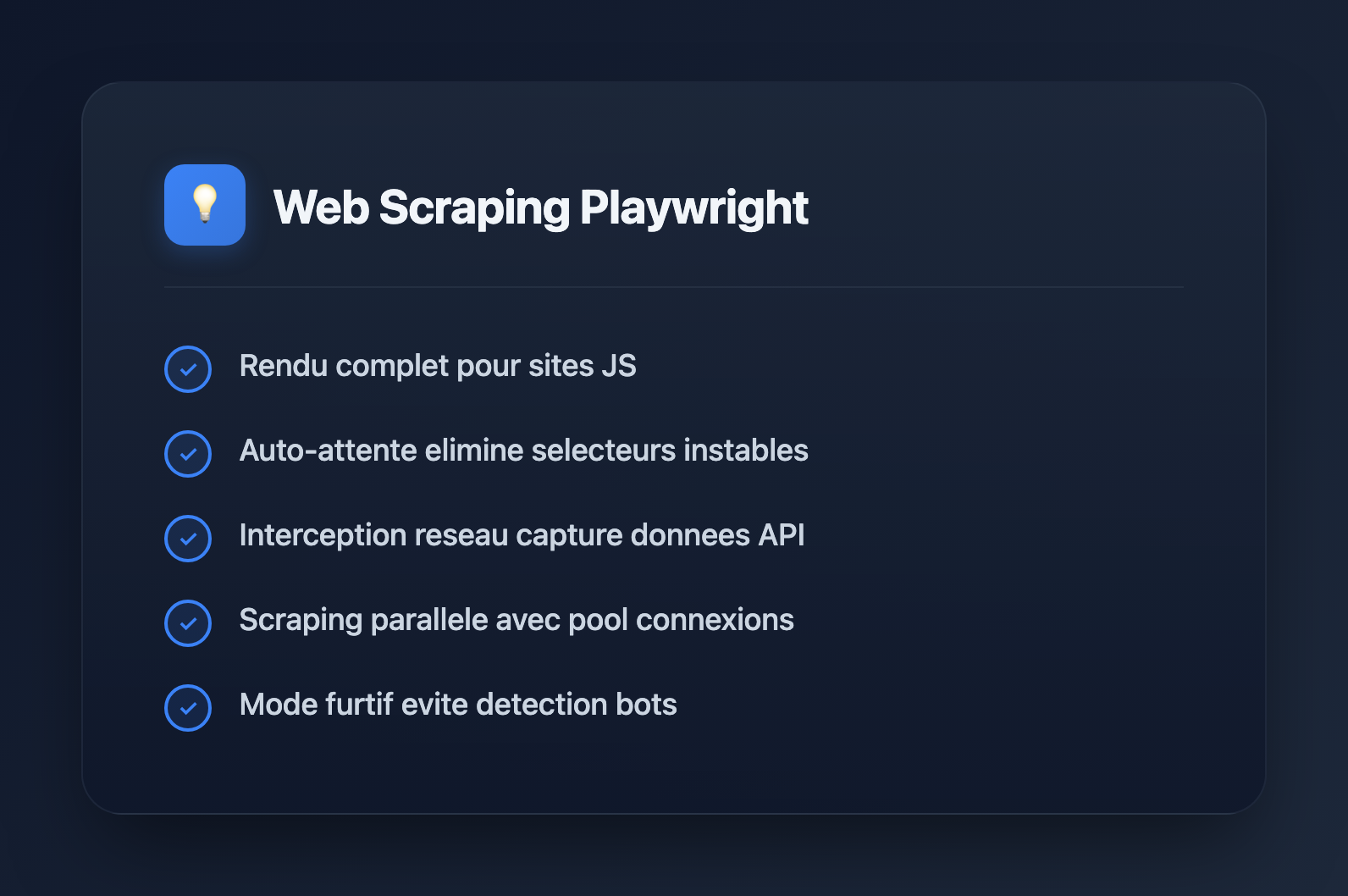
- Rendu complet du navigateur : Les sites lourds en JavaScript fonctionnent immediatement
- Attente automatique : Attend automatiquement les elements avant d'interagir
- Plusieurs navigateurs : Testez sur Chromium, Firefox, WebKit
- Interception reseau : Modifiez les requetes, bloquez les ressources, capturez les reponses
- Captures d'ecran et PDF : Debogage visuel et documentation
- Mode furtif : Meilleur pour eviter la detection de bot que Puppeteer
Configuration de Playwright
Installation
# Install Playwright
npm install playwright

# Or with TypeScript types
npm install playwright @types/node

# Download browsers (run once)
npx playwright install chromium
Exemple de Scraping Basique
import { chromium } from 'playwright';

async function scrapeExample() {
  const browser = await chromium.launch({ headless: true });
  const page = await browser.newPage();

  await page.goto('https://example.com');

  // Extract text content
  const title = await page.textContent('h1');
  const paragraphs = await page.$$eval('p', els => els.map(el => el.textContent));

  console.log('Title:', title);
  console.log('Paragraphs:', paragraphs);

  await browser.close();
}

scrapeExample();
Creer des Scripts de Scraping Reutilisables
Les scrapers de production ont besoin de structure. Voici un pattern qui separe les responsabilites et gere les exigences courantes.
1. Classe de Scraper de Base
import { chromium, Browser, Page, BrowserContext } from 'playwright';

interface ScraperConfig {
  headless?: boolean;
  timeout?: number;
  userAgent?: string;
  proxy?: { server: string; username?: string; password?: string };
}

export abstract class BaseScraper {
  protected browser: Browser | null = null;
  protected context: BrowserContext | null = null;
  protected page: Page | null = null;
  protected config: ScraperConfig;

  constructor(config: ScraperConfig = {}) {
    this.config = {
      headless: true,
      timeout: 30000,
      ...config,
    };
  }

  async init(): Promise {
    this.browser = await chromium.launch({
      headless: this.config.headless,
    });

    this.context = await this.browser.newContext({
      userAgent: this.config.userAgent || this.getRandomUserAgent(),
      viewport: { width: 1920, height: 1080 },
      proxy: this.config.proxy,
    });

    // Block unnecessary resources for speed
    await this.context.route('**/*', (route) => {
      const resourceType = route.request().resourceType();
      if (['image', 'font', 'media'].includes(resourceType)) {
        route.abort();
      } else {
        route.continue();
      }
    });

    this.page = await this.context.newPage();
    this.page.setDefaultTimeout(this.config.timeout!);
  }

  async close(): Promise {
    await this.browser?.close();
    this.browser = null;
    this.context = null;
    this.page = null;
  }

  protected getRandomUserAgent(): string {
    const userAgents = [
      'Mozilla/5.0 (Windows NT 10.0; Win64; x64) AppleWebKit/537.36 (KHTML, like Gecko) Chrome/120.0.0.0 Safari/537.36',
      'Mozilla/5.0 (Macintosh; Intel Mac OS X 10_15_7) AppleWebKit/537.36 (KHTML, like Gecko) Chrome/120.0.0.0 Safari/537.36',
      'Mozilla/5.0 (Windows NT 10.0; Win64; x64; rv:121.0) Gecko/20100101 Firefox/121.0',
    ];
    return userAgents[Math.floor(Math.random() * userAgents.length)];
  }

  protected async waitAndClick(selector: string): Promise {
    await this.page!.waitForSelector(selector);
    await this.page!.click(selector);
  }

  protected async extractText(selector: string): Promise {
    try {
      return await this.page!.textContent(selector);
    } catch {
      return null;
    }
  }

  protected async extractAll(selector: string): Promise {
    return await this.page!.$$eval(selector, els =>
      els.map(el => el.textContent?.trim() || '')
    );
  }

  // Abstract method - implement in subclasses
  abstract scrape(url: string): Promise;
}
2. Implementation Specifique du Scraper
interface Product {
  name: string;
  price: string;
  description: string;
  imageUrl: string;
  rating: string | null;
}

export class ProductScraper extends BaseScraper {
  async scrape(url: string): Promise {
    if (!this.page) await this.init();

    await this.page!.goto(url, { waitUntil: 'networkidle' });

    // Handle infinite scroll
    await this.scrollToBottom();

    // Extract products
    const products = await this.page!.$$eval('.product-card', cards =>
      cards.map(card => ({
        name: card.querySelector('.product-name')?.textContent?.trim() || '',
        price: card.querySelector('.product-price')?.textContent?.trim() || '',
        description: card.querySelector('.product-desc')?.textContent?.trim() || '',
        imageUrl: card.querySelector('img')?.getAttribute('src') || '',
        rating: card.querySelector('.rating')?.textContent?.trim() || null,
      }))
    );

    return products;
  }

  private async scrollToBottom(): Promise {
    let previousHeight = 0;
    let currentHeight = await this.page!.evaluate(() => document.body.scrollHeight);

    while (previousHeight < currentHeight) {
      previousHeight = currentHeight;
      await this.page!.evaluate(() => window.scrollTo(0, document.body.scrollHeight));
      await this.page!.waitForTimeout(1000);
      currentHeight = await this.page!.evaluate(() => document.body.scrollHeight);
    }
  }
}
3. Utilisation du Scraper
async function main() {
  const scraper = new ProductScraper({ headless: true });

  try {
    await scraper.init();
    const products = await scraper.scrape('https://example-shop.com/products');
    console.log(`Found ${products.length} products`);
    console.log(JSON.stringify(products, null, 2));
  } finally {
    await scraper.close();
  }
}

main();
Patterns Avances
Gestion de l'Authentification
export class AuthenticatedScraper extends BaseScraper {
  private credentials: { username: string; password: string };

  constructor(credentials: { username: string; password: string }, config?: ScraperConfig) {
    super(config);
    this.credentials = credentials;
  }

  async login(): Promise {
    if (!this.page) await this.init();

    await this.page!.goto('https://example.com/login');
    await this.page!.fill('input[name="username"]', this.credentials.username);
    await this.page!.fill('input[name="password"]', this.credentials.password);
    await this.page!.click('button[type="submit"]');

    // Wait for navigation after login
    await this.page!.waitForURL('**/dashboard**');

    // Save session for reuse
    await this.context!.storageState({ path: './auth-state.json' });
  }

  async initWithSavedSession(): Promise {
    this.browser = await chromium.launch({ headless: this.config.headless });
    this.context = await this.browser.newContext({
      storageState: './auth-state.json',
    });
    this.page = await this.context.newPage();
  }
}
Interception Reseau
// Capture API responses while browsing
async function captureApiData(page: Page, apiPattern: string): Promise {
  const captured: unknown[] = [];

  await page.route(apiPattern, async (route) => {
    const response = await route.fetch();
    const json = await response.json();
    captured.push(json);
    route.fulfill({ response });
  });

  return captured;
}

// Usage
const page = await context.newPage();
const apiData = await captureApiData(page, '**/api/products**');
await page.goto('https://example.com/products');
// apiData now contains all API responses matching the pattern
Scraping en Parallele
async function scrapeInParallel(urls: string[], concurrency: number = 5): Promise> {
  const browser = await chromium.launch({ headless: true });
  const results = new Map();

  // Process URLs in batches
  for (let i = 0; i < urls.length; i += concurrency) {
    const batch = urls.slice(i, i + concurrency);

    const batchResults = await Promise.all(
      batch.map(async (url) => {
        const context = await browser.newContext();
        const page = await context.newPage();

        try {
          await page.goto(url, { waitUntil: 'domcontentloaded' });
          const data = await page.$$eval('h1, h2, h3', els =>
            els.map(el => el.textContent)
          );
          return { url, data, error: null };
        } catch (error) {
          return { url, data: null, error: String(error) };
        } finally {
          await context.close();
        }
      })
    );

    for (const result of batchResults) {
      results.set(result.url, result);
    }

    // Rate limiting between batches
    await new Promise(r => setTimeout(r, 1000));
  }

  await browser.close();
  return results;
}
Gestion des Mesures Anti-Bot
import { chromium } from 'playwright-extra';
import stealth from 'puppeteer-extra-plugin-stealth';

// Use stealth plugin (works with playwright-extra)
chromium.use(stealth());

async function stealthScraper() {
  const browser = await chromium.launch({ headless: true });
  const context = await browser.newContext({
    // Realistic viewport
    viewport: { width: 1920, height: 1080 },
    // Timezone
    timezoneId: 'America/New_York',
    // Locale
    locale: 'en-US',
    // Geolocation (optional)
    geolocation: { latitude: 40.7128, longitude: -74.0060 },
    permissions: ['geolocation'],
  });

  const page = await context.newPage();

  // Add random delays to mimic human behavior
  await page.goto('https://example.com');
  await randomDelay(1000, 3000);

  // Move mouse randomly
  await page.mouse.move(
    Math.random() * 500,
    Math.random() * 500
  );

  await browser.close();
}

function randomDelay(min: number, max: number): Promise {
  const delay = Math.floor(Math.random() * (max - min + 1)) + min;
  return new Promise(r => setTimeout(r, delay));
}
Patterns d'Extraction de Donnees
Scraping de Tableaux
interface TableRow {
  [key: string]: string;
}

async function scrapeTable(page: Page, tableSelector: string): Promise {
  return await page.$$eval(tableSelector, (tables) => {
    const table = tables[0];
    if (!table) return [];

    const headers = Array.from(table.querySelectorAll('th')).map(
      th => th.textContent?.trim().toLowerCase().replace(/\s+/g, '_') || ''
    );

    const rows = Array.from(table.querySelectorAll('tbody tr'));

    return rows.map(row => {
      const cells = Array.from(row.querySelectorAll('td'));
      const rowData: Record = {};

      cells.forEach((cell, index) => {
        const header = headers[index] || `column_${index}`;
        rowData[header] = cell.textContent?.trim() || '';
      });

      return rowData;
    });
  });
}
Gestion de la Pagination
async function scrapeAllPages(
  page: Page,
  scrapePageFn: (page: Page) => Promise,
  nextButtonSelector: string
): Promise {
  const allResults: T[] = [];
  let pageNum = 1;

  while (true) {
    console.log(`Scraping page ${pageNum}...`);

    const pageResults = await scrapePageFn(page);
    allResults.push(...pageResults);

    // Check if next button exists and is clickable
    const nextButton = await page.$(nextButtonSelector);
    if (!nextButton) break;

    const isDisabled = await nextButton.getAttribute('disabled');
    if (isDisabled !== null) break;

    await nextButton.click();
    await page.waitForLoadState('networkidle');

    pageNum++;
  }

  return allResults;
}
Gestion des Erreurs et Nouvelles Tentatives
async function withRetry(
  fn: () => Promise,
  maxRetries: number = 3,
  delay: number = 1000
): Promise {
  let lastError: Error | null = null;

  for (let attempt = 1; attempt <= maxRetries; attempt++) {
    try {
      return await fn();
    } catch (error) {
      lastError = error as Error;
      console.warn(`Attempt ${attempt} failed: ${lastError.message}`);

      if (attempt < maxRetries) {
        await new Promise(r => setTimeout(r, delay * attempt));
      }
    }
  }

  throw lastError;
}

// Usage
const data = await withRetry(
  () => scraper.scrape('https://example.com'),
  3,
  2000
);
Sauvegarde et Exportation des Donnees
import { writeFileSync } from 'fs';

function exportToCSV(data: Record[], filename: string): void {
  if (data.length === 0) return;

  const headers = Object.keys(data[0]);
  const csvRows = [
    headers.join(','),
    ...data.map(row =>
      headers.map(h => {
        const value = String(row[h] || '');
        // Escape quotes and wrap in quotes if contains comma
        return value.includes(',') || value.includes('"')
          ? `"${value.replace(/"/g, '""')}"`
          : value;
      }).join(',')
    ),
  ];

  writeFileSync(filename, csvRows.join('\n'));
}

function exportToJSON(data: unknown, filename: string): void {
  writeFileSync(filename, JSON.stringify(data, null, 2));
}
Bonnes Pratiques
Performance
- Bloquez les images, polices et medias lorsqu'ils ne sont pas necessaires
- Utilisez
domcontentloadedau lieu denetworkidlelorsque c'est possible - Reutilisez les contextes de navigateur au lieu de creer de nouveaux navigateurs
- Implementez le pooling de connexions pour le scraping a haut volume
Fiabilite
- Utilisez toujours des attentes explicites (
waitForSelector) au lieu de timeouts fixes - Implementez une logique de nouvelle tentative pour les echecs transitoires
- Sauvegardez la progression periodiquement pour les scrapes de longue duree
- Loggez abondamment pour deboguer les executions echouees
Ethique et Legalite
- Respectez les directives
robots.txt - Implementez une limitation de debit pour eviter de surcharger les serveurs
- Ne scrapez pas les donnees personnelles sans consentement
- Verifiez les conditions d'utilisation avant de scraper des sites commerciaux
Conclusion
Playwright fournit tout ce qui est necessaire pour le web scraping moderne : rendu JavaScript, interception reseau et excellents outils. En construisant des classes de scraper reutilisables avec une gestion appropriee des erreurs et des mesures anti-detection, vous pouvez creer des pipelines d'extraction de donnees robustes. N'oubliez pas de scraper de maniere responsable : implementez une limitation de debit, respectez robots.txt et considerez l'impact sur les serveurs cibles.