n8n Workflow Automation: Self-Hosted Alternative to Zapier (2026)
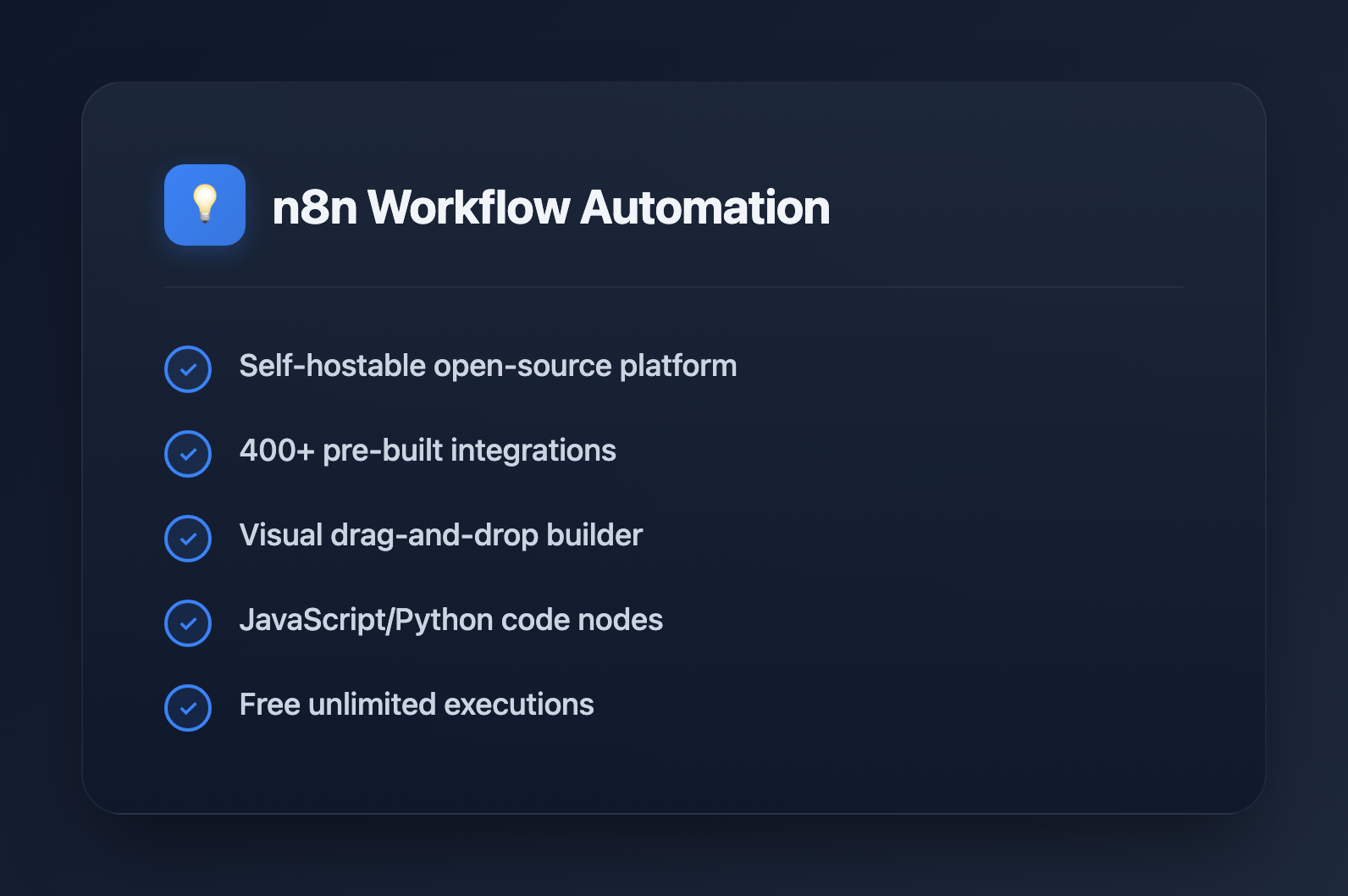
n8n is the open-source workflow automation platform that's rapidly becoming the go-to alternative to Zapier and Make. With self-hosting capabilities, a visual workflow builder, and 400+ integrations, n8n gives developers full control over their automation infrastructure. This guide covers everything from setup to advanced workflow patterns.
What is n8n?
n8n (pronounced "n-eight-n") is a fair-code licensed workflow automation tool. Unlike SaaS alternatives, you can self-host n8n, giving you complete data privacy and unlimited executions.
Key features:
- Visual workflow builder: Drag-and-drop interface for creating automations
- 400+ integrations: Pre-built nodes for popular services
- Self-hostable: Run on your own infrastructure
- Code when needed: JavaScript/Python nodes for custom logic
- Fair-code license: Free to use, source available
Getting Started
Installation Options
# Docker (recommended for production)
docker run -it --rm \
  --name n8n \
  -p 5678:5678 \
  -v ~/.n8n:/home/node/.n8n \
  n8nio/n8n

# npm (for development)
npm install n8n -g
n8n start

# Docker Compose (with PostgreSQL)
# See docker-compose.yml below
Docker Compose Setup
version: '3.8'
services:
  n8n:
    image: n8nio/n8n
    ports:
      - "5678:5678"
    environment:
      - N8N_BASIC_AUTH_ACTIVE=true
      - N8N_BASIC_AUTH_USER=admin
      - N8N_BASIC_AUTH_PASSWORD=secure_password
      - DB_TYPE=postgresdb
      - DB_POSTGRESDB_HOST=postgres
      - DB_POSTGRESDB_DATABASE=n8n
      - DB_POSTGRESDB_USER=n8n
      - DB_POSTGRESDB_PASSWORD=n8n_password
      - N8N_ENCRYPTION_KEY=your-encryption-key
    volumes:
      - n8n_data:/home/node/.n8n
    depends_on:
      - postgres

  postgres:
    image: postgres:15
    environment:
      - POSTGRES_USER=n8n
      - POSTGRES_PASSWORD=n8n_password
      - POSTGRES_DB=n8n
    volumes:
      - postgres_data:/var/lib/postgresql/data

volumes:
  n8n_data:
  postgres_data:
Core Concepts
Workflows
A workflow is a collection of nodes connected together. Each workflow starts with a trigger node and flows through action nodes.
Nodes
Nodes are the building blocks of workflows:
- Trigger nodes: Start workflow execution (webhooks, schedules, app events)
- Action nodes: Perform operations (API calls, data transformation, notifications)
- Logic nodes: Control flow (IF, Switch, Merge, Split)
Executions
Each time a workflow runs, it creates an execution. You can view execution history, debug failures, and retry failed runs.
Building Your First Workflow
Example: Slack Notification on GitHub Issues
This workflow sends a Slack message when a new GitHub issue is created:
{
  "nodes": [
    {
      "name": "GitHub Trigger",
      "type": "n8n-nodes-base.githubTrigger",
      "parameters": {
        "owner": "your-org",
        "repository": "your-repo",
        "events": ["issues"]
      }
    },
    {
      "name": "Filter New Issues",
      "type": "n8n-nodes-base.if",
      "parameters": {
        "conditions": {
          "string": [{
            "value1": "={{$json.action}}",
            "value2": "opened"
          }]
        }
      }
    },
    {
      "name": "Send Slack Message",
      "type": "n8n-nodes-base.slack",
      "parameters": {
        "channel": "#github-notifications",
        "text": "New issue: {{$json.issue.title}}\n{{$json.issue.html_url}}"
      }
    }
  ]
}
Advanced Patterns
Using Code Nodes
When pre-built nodes aren't enough, use JavaScript:
// Code node example: Transform API response
const items = $input.all();
const transformed = items.map(item => {
  return {
    json: {
      id: item.json.id,
      name: item.json.name.toUpperCase(),
      createdAt: new Date(item.json.created_at).toISOString(),
      isActive: item.json.status === 'active'
    }
  };
});

return transformed;
HTTP Request Node
Call any API with the HTTP Request node:
// HTTP Request configuration
{
  "method": "POST",
  "url": "https://api.example.com/data",
  "authentication": "genericCredentialType",
  "headers": {
    "Content-Type": "application/json"
  },
  "body": {
    "name": "={{$json.name}}",
    "email": "={{$json.email}}"
  }
}
Error Handling
// Error Trigger workflow
// Create a separate workflow that triggers on errors

// In your main workflow, use the Error Trigger node
// It receives: workflow name, execution ID, error message

// Example: Send error to Discord
{
  "nodes": [
    {
      "name": "Error Trigger",
      "type": "n8n-nodes-base.errorTrigger"
    },
    {
      "name": "Discord Notification",
      "type": "n8n-nodes-base.discord",
      "parameters": {
        "content": "Workflow failed: {{$json.workflow.name}}\nError: {{$json.execution.error.message}}"
      }
    }
  ]
}
Looping and Batching
// Split In Batches node for processing large datasets
// Processes items in configurable batch sizes

// Example: Process 100 items, 10 at a time
{
  "name": "Split In Batches",
  "type": "n8n-nodes-base.splitInBatches",
  "parameters": {
    "batchSize": 10
  }
}

// Loop back to process next batch
// Connect the "done" output to continue workflow
// Connect the "loop" output back to processing nodes
Popular Integrations
Database Operations
-- PostgreSQL node example
SELECT * FROM users
WHERE created_at > '{{$json.startDate}}'
AND status = 'active'
ORDER BY created_at DESC
LIMIT 100;
AI/LLM Integration
// OpenAI node configuration
{
  "resource": "chat",
  "model": "gpt-4",
  "messages": [
    {
      "role": "system",
      "content": "You are a helpful assistant."
    },
    {
      "role": "user",
      "content": "={{$json.userMessage}}"
    }
  ],
  "temperature": 0.7
}
Webhook Endpoints
// Webhook trigger creates an endpoint like:
// https://your-n8n.com/webhook/abc123

// Respond with custom data
{
  "name": "Respond to Webhook",
  "type": "n8n-nodes-base.respondToWebhook",
  "parameters": {
    "responseBody": "={{JSON.stringify($json)}}",
    "responseCode": 200
  }
}
Credentials Management
n8n securely stores API keys and tokens:
// Credentials are referenced by name, not exposed in workflow
{
  "credentials": {
    "slackApi": {
      "name": "My Slack Token"
    }
  }
}

// Environment variables for sensitive data
// Set in docker-compose or .env file
N8N_ENCRYPTION_KEY=your-32-char-encryption-key
GENERIC_API_KEY=your-api-key
Production Deployment
Scaling n8n
- Queue mode: Separate main instance from workers for high-volume processing
- PostgreSQL: Use PostgreSQL instead of SQLite for production
- Redis: Required for queue mode scaling
# Queue mode configuration
environment:
  - EXECUTIONS_MODE=queue
  - QUEUE_BULL_REDIS_HOST=redis
  - QUEUE_BULL_REDIS_PORT=6379
Monitoring
// n8n exposes metrics at /metrics endpoint
// Configure Prometheus scraping

// Key metrics:
// - n8n_workflow_executions_total
// - n8n_workflow_execution_duration_seconds
// - n8n_active_workflows
n8n vs Alternatives
| Feature | n8n | Zapier | Make |
|---|---|---|---|
| Self-hosting | Yes | No | No |
| Pricing | Free (self-hosted) | $19.99+/mo | $9+/mo |
| Code nodes | JavaScript, Python | Limited | Limited |
| Integrations | 400+ | 6000+ | 1500+ |
| Open source | Fair-code | No | No |
| Data privacy | Full control | Cloud only | Cloud only |
Common Use Cases
DevOps Automation
- CI/CD notifications to Slack/Discord
- Incident management (PagerDuty, Opsgenie)
- Infrastructure monitoring alerts
Data Pipelines
- ETL from APIs to databases
- Report generation and distribution
- Data synchronization between services
Business Automation
- CRM updates from form submissions
- Invoice generation and sending
- Customer onboarding sequences
Best Practices
- Use sub-workflows: Break complex automations into reusable pieces
- Handle errors: Always add error handling workflows
- Test incrementally: Use the manual execution feature to test node by node
- Version control: Export workflows as JSON and store in git
- Document: Use sticky notes to explain workflow logic
- Secure credentials: Use the built-in credential storage, never hardcode secrets
Conclusion
n8n provides a powerful, self-hostable workflow automation platform that gives developers full control over their integrations. With its visual builder, extensive node library, and code flexibility, it's ideal for teams that need automation without vendor lock-in or per-execution pricing. Start with simple workflows and gradually build more complex automations as you learn the platform.