10 Essential Next.js Dev Tools That Will Transform Your Workflow in 2026
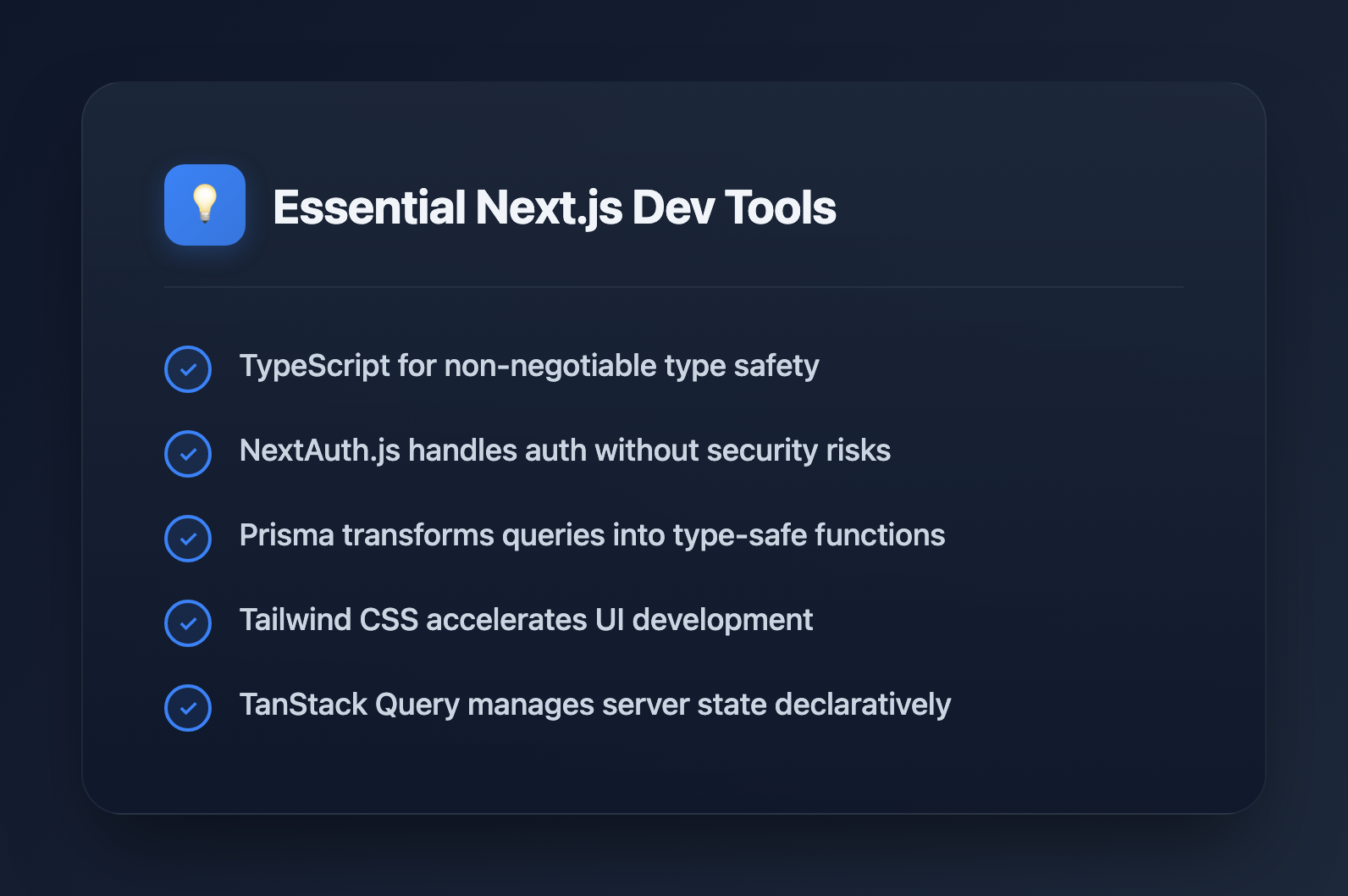
Building production-ready Next.js applications requires more than just knowing React. The difference between struggling through development and shipping confidently often comes down to your toolkit. After analyzing what professional developers actually use in production, here are the 10 Next.js dev tools that deliver the highest impact.
1. TypeScript: Non-Negotiable Type Safety
If you're starting a new Next.js project without TypeScript, you're making your life harder. Next.js has first-class TypeScript support built in—just rename your files to .tsx and the framework handles the rest.
TypeScript catches entire categories of bugs before they reach production. Refactoring becomes safe. Your IDE provides intelligent autocomplete. And when you return to code six months later, the types serve as documentation.
// next.config.ts - TypeScript config just works
import type { NextConfig } from 'next'

const config: NextConfig = {
  reactStrictMode: true,
  images: {
    domains: ['cdn.example.com'],
  },
}

export default config
The learning curve pays dividends within weeks. Start with strict mode enabled and thank yourself later.
2. NextAuth.js: Authentication Without the Headaches
Rolling your own authentication is a security risk waiting to happen. NextAuth.js (now Auth.js) handles OAuth providers, JWT sessions, database adapters, and edge runtime compatibility out of the box.
Setting up Google, GitHub, or any OAuth provider takes minutes:
// app/api/auth/[...nextauth]/route.ts
import NextAuth from 'next-auth'
import GoogleProvider from 'next-auth/providers/google'

const handler = NextAuth({
  providers: [
    GoogleProvider({
      clientId: process.env.GOOGLE_ID!,
      clientSecret: process.env.GOOGLE_SECRET!,
    }),
  ],
})

export { handler as GET, handler as POST }
The library handles token refresh, session management, CSRF protection, and secure cookie handling. You focus on your application logic instead of security edge cases.
3. Prisma: Type-Safe Database Access
Prisma transforms database operations from string-based queries into fully typed function calls. Your schema becomes the single source of truth, generating TypeScript types automatically.
// schema.prisma
model User {
  id        String   @id @default(cuid())
  email     String   @unique
  posts     Post[]
  createdAt DateTime @default(now())
}

model Post {
  id        String   @id @default(cuid())
  title     String
  author    User     @relation(fields: [authorId], references: [id])
  authorId  String
}
Queries become impossible to get wrong—your IDE tells you exactly what fields exist, what relations you can include, and what filters are valid. Migrations are generated automatically from schema changes.
For teams preferring SQL-first approaches, Drizzle ORM offers a lighter alternative with similar type safety.
4. Tailwind CSS: Rapid UI Development
Tailwind's utility-first approach eliminates context switching between HTML and CSS files. Styling happens inline, which sounds messy until you experience the productivity gains.
<button className="px-4 py-2 bg-blue-600 hover:bg-blue-700
  text-white font-medium rounded-lg transition-colors
  disabled:opacity-50 disabled:cursor-not-allowed">
  Submit
</button>
Combined with the VS Code extension for class autocomplete and the Prettier plugin for consistent ordering, Tailwind accelerates UI development significantly. The production build automatically removes unused classes, keeping bundle sizes minimal.
5. Zod: Runtime Validation That Types Itself
TypeScript types disappear at runtime. When data comes from APIs, forms, or URL parameters, you need runtime validation. Zod provides schemas that validate data and infer TypeScript types simultaneously.
import { z } from 'zod'

const UserSchema = z.object({
  name: z.string().min(2),
  email: z.string().email(),
  age: z.number().int().positive().optional(),
})

type User = z.infer<typeof UserSchema>
// { name: string; email: string; age?: number }

// Validate incoming data
const result = UserSchema.safeParse(formData)
if (!result.success) {
  console.error(result.error.issues)
}
This single-source-of-truth approach prevents the common bug where validation logic and types drift apart over time.
6. TanStack Query: Server State Management
Fetching data, caching responses, handling loading states, managing refetches—TanStack Query (formerly React Query) handles all of it declaratively.
import { useQuery } from '@tanstack/react-query'

function UserProfile({ userId }: { userId: string }) {
  const { data, isLoading, error } = useQuery({
    queryKey: ['user', userId],
    queryFn: () => fetch(`/api/users/${userId}`).then(r => r.json()),
    staleTime: 5 * 60 * 1000, // Cache for 5 minutes
  })

  if (isLoading) return <Skeleton />
  if (error) return <ErrorMessage error={error} />
  return <UserCard user={data} />
}
The library deduplicates identical requests, provides background refetching, handles pagination and infinite scroll, and integrates with React Suspense. For simpler use cases, SWR from Vercel offers a lighter alternative.
7. ESLint + Prettier: Automated Code Quality
Code style debates waste team energy. ESLint catches bugs and enforces patterns. Prettier formats code automatically. Together, they ensure consistency across any team size.
Next.js includes ESLint configuration by default. Extend it with stricter rules:
// .eslintrc.json
{
  "extends": [
    "next/core-web-vitals",
    "plugin:@typescript-eslint/recommended"
  ],
  "rules": {
    "@typescript-eslint/no-unused-vars": "error",
    "@typescript-eslint/no-explicit-any": "warn"
  }
}
Configure your editor to format on save and run linting in CI. Bad code never makes it to review.
8. Jest + React Testing Library: Confidence in Changes
Tests aren't optional for production applications. Jest provides the test runner. React Testing Library encourages testing components the way users interact with them—by finding elements through accessible queries, not implementation details.
import { render, screen } from '@testing-library/react'
import userEvent from '@testing-library/user-event'
import LoginForm from './LoginForm'

test('shows error for invalid email', async () => {
  render(<LoginForm />)

  await userEvent.type(
    screen.getByLabelText(/email/i),
    'invalid-email'
  )
  await userEvent.click(screen.getByRole('button', { name: /submit/i }))

  expect(screen.getByText(/valid email required/i)).toBeInTheDocument()
})
For end-to-end testing, Playwright or Cypress provide browser automation that tests your entire application stack.
9. Vercel: Deployment Built for Next.js
Vercel, created by the Next.js team, offers zero-configuration deployment. Push to Git and your application deploys automatically with preview URLs for every pull request.
Key features that matter for production:
- Edge Functions - Run server code at the edge for lower latency
- Analytics - Real user performance metrics built in
- Image Optimization - Automatic WebP/AVIF conversion at the edge
- Incremental Static Regeneration - Update static pages without full rebuilds
Alternatives like Netlify, Railway, and AWS Amplify also support Next.js, but Vercel's integration remains the smoothest.
10. Chrome DevTools + React DevTools: Essential Debugging
No list is complete without debugging tools. Chrome DevTools provides network inspection, performance profiling, and JavaScript debugging. The React DevTools extension adds component inspection, props/state viewing, and profiler for render performance.
Key techniques for Next.js debugging:
- Use the Network tab to verify API routes return expected data
- Check the Application tab for cookies and session storage
- Profile components with React DevTools to find unnecessary re-renders
- Use
console.login Server Components—output appears in your terminal, not the browser
Honorable Mentions
Several tools narrowly missed the top 10:
- Storybook - Develop and document components in isolation
- Zustand - Lightweight client state management when you don't need Redux
- next-sitemap - Automatic sitemap generation for SEO
- Bundle Analyzer - Visualize what's bloating your JavaScript bundles
- Shadcn/ui - Copy-paste component library built on Radix primitives
Building Your Toolkit
You don't need every tool from day one. Start with TypeScript, ESLint, and Tailwind for immediate productivity gains. Add authentication when you need user accounts. Introduce testing as your application grows. Deploy to Vercel for frictionless shipping.
The best toolkit is one you actually use consistently. Pick tools that solve real problems you're facing, learn them well, and let them compound your productivity over time.