Best Code Editors in 2026: VS Code vs Cursor vs Zed
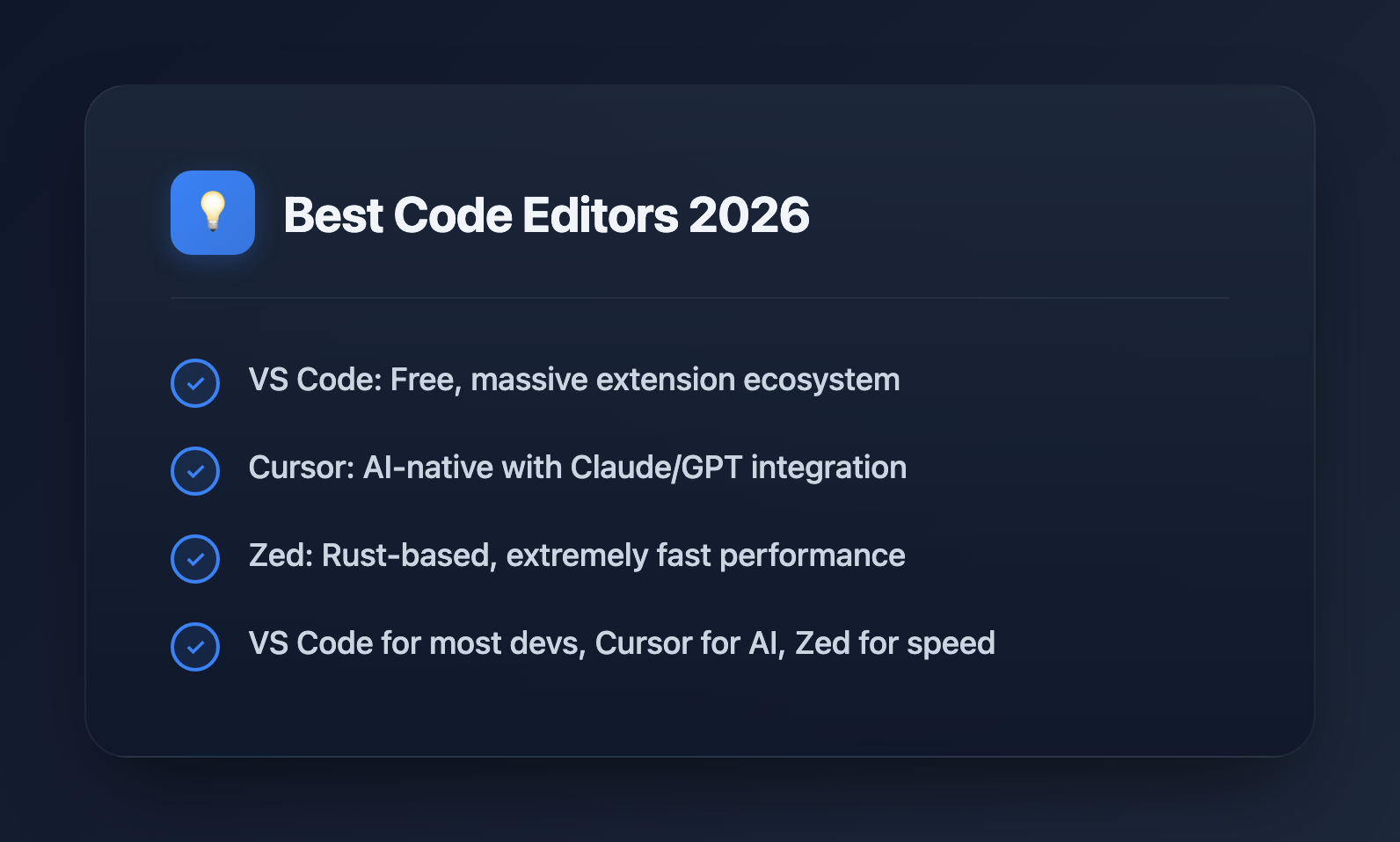
Choosing the right code editor can significantly impact your productivity as a developer. In 2026, three editors stand out from the crowd: VS Code, Cursor, and Zed.
VS Code
Microsoft's Visual Studio Code remains the most popular editor with its extensive extension marketplace, integrated terminal, and Git support. It's free, open-source, and runs on Windows, macOS, and Linux.
Pros: Massive extension ecosystem, excellent language support, free
Cons: Can be resource-heavy with many extensions
Cursor
Cursor is the AI-native code editor built on VS Code. It integrates Claude and GPT models directly into the editing experience, offering intelligent code completion, chat, and codebase-aware assistance.
Pros: Native AI integration, VS Code compatibility, smart context awareness
Cons: Subscription required for full features
Zed
Zed is a high-performance editor written in Rust, designed for speed. It offers real-time collaboration features and a minimalist interface focused on fast editing.
Pros: Extremely fast, real-time collaboration, native performance
Cons: Smaller extension ecosystem, macOS/Linux only
Which Should You Choose?
For most developers, VS Code remains the safe choice with its mature ecosystem. If you want AI assistance built-in, Cursor is compelling. For raw speed and collaboration, try Zed.